PAACADEMY
PAACADEMY
Courses
Software
Bundles
Membership
Instructors
Become ProSign In
HomeCoursesLoading

Catalog

PAACADEMY

Online EdTech platform · Est. 2016

Shaping the next generation of designers, architects, and makers through computational tools and immersive education.

Reach out

[email protected]

Platform

CoursesMembershipsBundlesProjectsInstructorsSoftwareBoardsBlogFree coursesEarnCertificatesReviews

Company

AboutBusinessBecome an InstructorContactFAQSupportChangelogWe're Hiring

Popular Searches

Architecture coursesGrasshopper coursesAI architecture workshopsParametric design workshopsRhino courses3D modeling coursesBlender workshopsVisualization coursesRevit coursesDigital fabrication workshops3D printing workshopsSustainability courses

Most Interested

Urban design coursesLandscape architecture coursesHoudini coursesUnreal Engine coursesComfyUI workshopsMaya coursesInterior design coursesFashion design coursesFootwear design workshopsStructural analysis coursesVirtual reality coursesComputational design coursesGenerative city designBIM coursesMetaverse coursesPhotography workshops

© 2026 PAACADEMY. All rights reserved.

Privacy PolicyCookie PolicyRefund PolicyMembership Agreement
Loading
HomeCoursesLoading

Course detail

CoursesArchitectural DesignGrasshopper Masterclass: Parametric Facade Generator
UpcomingFull Access Workshop Sep 12 & 13, 2026 8 Hours
Add to favorites

Grasshopper Masterclass: Parametric Facade Generator

Ognjen Graovac
Verified Account

2 courses·5.0

Rhinoceros 3D
Grasshopper 3D
LunchBox
Human
Rhinoceros 3D
Grasshopper 3D
LunchBox
Human

About Grasshopper Masterclass: Parametric Facade Generator

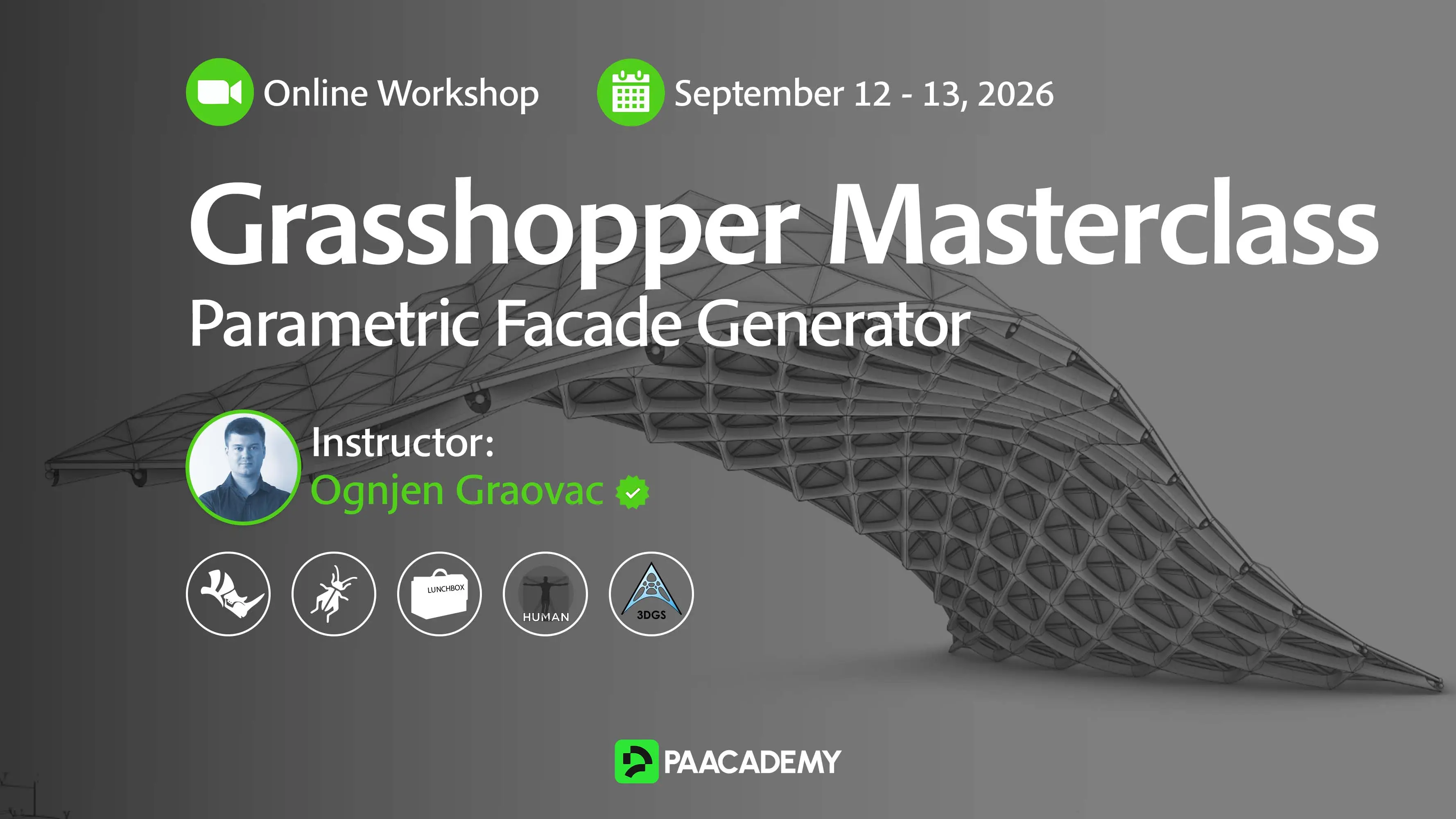
This workshop teaches you how to build a complete parametric facade generator in Grasshopper to design, optimize, and automate complex architectural facade systems.

Architectural facades have become one of the defining features of contemporary buildings. Beyond shaping a project's visual identity, they must also satisfy structural, environmental, functional, and financial requirements. As buildings become more complex, designing façade systems requires architects to balance aesthetics, performance, and constructability while managing countless interconnected design decisions.

A parametric workflow offers an efficient solution by replacing manual modeling with a reusable algorithm capable of generating a digital twin of the façade. Instead of creating a single design, you will build a flexible parametric system that can generate a wide range of façade variations with adjustable parameters. Through real architectural case studies, you will learn how to translate façade details into algorithms that automate geometry creation while enabling rapid design exploration and consistent project documentation.

In this workshop, you will build a complete Parametric Facade Generator from scratch using Grasshopper. You will learn practical techniques for creating panel systems, controlling façade patterns, generating architectural details, and organizing clean, scalable Grasshopper definitions. Alongside detailed 3D façade geometry, you will also generate optimized mesh models for visualization and automatically export CSV data containing panel information, material quantities, and cost estimates.

By the end of the workshop, you will have a production-ready parametric design tool that can be adapted to future projects. The computational design techniques covered throughout the workshop extend beyond façade design and can be applied to a wide range of architectural and engineering workflows.

This workshop teaches you how to build a complete parametric facade generator in Grasshopper to design, optimize, and automate complex architectural facade systems. Architectural facades have become one of the defining features of contemporary buildings. Beyond shaping a project's visual identity, they must also satisfy structural, environmental, functional, and financial requirements. As buildings become more complex, designing façade systems requires architects to balance aesthetics,...
What you will learn
  • 01

    Creative algorithmic thinking and problem solving

  • 02

    Building robust Grasshopper definitions

  • 03

    Debugging complex algorithms in Grasshopper

  • 04

    Working with geometric transformations

  • 05

    Optimizing algorithms for performance

  • 06

    Attaching metadata to generated geometry

  • 07

    Automating repetitive workflows such as baking thousands of facade elements

Methodology

In this workshop, we will focus on developing parametric models in Grasshopper and organizing a large number of highly detailed façade elements in Rhino. This includes explaining many useful tips, tricks, and techniques for both Grasshopper and Rhino workflows. For example, we will cover data tree management, geometric transformations, reusable algorithms, attaching metadata to geometry, optimizing mesh geometry, and many other useful computational design techniques in Grasshopper. In Rhino, you will learn how to automatically bake and organize thousands of façade blocks generated by your algorithm.

All of these parametric techniques will be demonstrated through real-world façade projects, allowing you to understand not only how the algorithms work, but also how they can be applied in professional architectural practice.

The workshop is intended for architects, designers, engineers, and students who already have a basic understanding of Rhino and Grasshopper and would like to improve their computational design skills.

Scope:

The workshop will combine theoretical explanations, step-by-step demonstrations, and practical exercises. Each part will begin with a short introduction to the main design problem and the Grasshopper techniques that will be used to solve it. After that, the complete workflow will be demonstrated through a real-world facade example.

The workshop will follow a gradual learning process. We will begin by defining the main façade parameters and studying the input geometry and architectural drawings. The next steps will include creating panel systems, generating detailed façade elements, and attaching relevant metadata to the geometry. 

The complete facade generator will be divided into smaller, clearly organized parts. This will allow students to understand each part of the algorithm separately before combining everything into a complete parametric system. Particular attention will be given to building clean, scalable, and efficient Grasshopper definitions that can manage a large number of façade elements.

Students will follow the demonstrations and complete practical exercises individually. During the workshop, they will be encouraged to test different parameters, explore design variations, and adapt the demonstrated workflow to their own ideas.

Program:

Day 1: Building the Parametric Facade System

  • Study façade details and define key design parameters.
  • Create adjustable panel grids and surface subdivision systems.
  • Learn data tree management for organizing façade components.
  • Generate parametric panels, frames, openings, and supporting elements.
  • Build a clean, scalable Grasshopper definition from scratch.

Day 2: Optimization, Automation & Documentation

  • Develop detailed façade elements, including mullions, joints, and corner conditions.
  • Optimize Grasshopper definitions and create lightweight mesh geometry for visualization.
  • Attach metadata, generate panel IDs, and calculate quantities and cost data.
  • Export structured façade information to CSV files.
  • Automatically bake and organize façade elements in Rhino using layers, blocks, and object attributes.

In this workshop, we will focus on developing parametric models in Grasshopper and organizing a large number of highly detailed façade elements in Rhino. This includes explaining many useful tips, tricks, and techniques for both Grasshopper and Rhino workflows. For example, we will cover data tree management, geometric transformations, reusable algorithms, attaching metadata to geometry, optimizing mesh geometry, and many other useful computational design techniques in Grasshopper. In Rhino,...
Knowledge Requirements

What you should already know or have ready before you start, experience, tools, and any baseline skills the instructors expect. Scan the list below so nothing catches you off guard.

  • Please note that the software installation process is not part of the workshop. Participants are expected to have Rhino 8 and Grasshopper installed before the workshop begins.
  • The required Grasshopper plugins are Human and Graphic Statics 3D (3DGS).
Course Content
Preparing

Curriculum will be published soon.

Software & tools
Rhinoceros 3DGrasshopper 3DLunchBoxHuman
Highlights
Instructors
Ognjen Graovac
Ognjen Graovac
2 Courses5.0

Ognjen Graovac is an architect and computational designer from Belgrade who loves blending design, technology, and creative problem-solving. He completed both his Bachelor’s and Master’s degrees at the Faculty of Architecture in Belgrade, where he first got into parametric and computational design.


That curiosity quickly pushed him toward object-oriented programming and creating digital tools and workflows to expand architects’ ability to design complex and precise shapes.

A year later, Ognjen founded Algorithmic Architecture, a small studio focused on solving geometric challenges in complex architectural forms and automating the creation of precise, large-scale 3D models for the building industry. Through his work, he has contributed to both small and large projects, including major developments such as Madison Square Garden in Las Vegas.


Ognjen is also an active member of the open-source community. He develops free Grasshopper plugins such as 3D Graphic Statics and Spider 3D. The 3D Graphic Statics plugin alone includes over 100 components and has been downloaded more than 11,000 times worldwide. He has also won several awards in architectural competitions, including a first-place prize for a pedestrian bridge over the Danube River in Novi Sad.


Grasshopper Masterclass: Parametric Facade Generator FAQ

Showcase
Add to favorites
Reviews
Purchase or enroll in this course to leave a review.
0 Reviews
0 Comments

No reviews yet. Be the first!

    Sep 12 & 13, 2026
    Saturday · Sunday
    14:00 – 18:00
    8 Hours
    50 seats
    Curriculum preparing