Article
Architecture school teaches you how to think. Professional practice expects you to know how to build, communicate, coordinate, visualize, and increasingly, automate.
Between those two realities lies one of the biggest challenges facing architecture students and recent graduates today. Employers no longer hire solely based on beautiful portfolios. They seek graduates who can move confidently between design, documentation, visualization, collaboration, and digital workflows.
Learning architectural software has therefore become more than a technical requirement, it has become a language. Every platform represents a different way of thinking about design, and together they form the digital ecosystem that defines contemporary architectural practice.
The challenge, however, is knowing where to begin.
The internet is flooded with tutorials, fragmented videos, and disconnected learning resources. Beginners often jump between YouTube playlists, online forums, and random exercises without ever building a strong foundation. As a result, many students become familiar with software interfaces without ever becoming truly confident users.
At PAACADEMY, we believe learning software should feel like learning architecture itself: structured, practical, and inspiring. Our mission has always been to make world-class architectural education accessible to students and professionals worldwide, helping them build skills that remain relevant in a rapidly evolving industry.
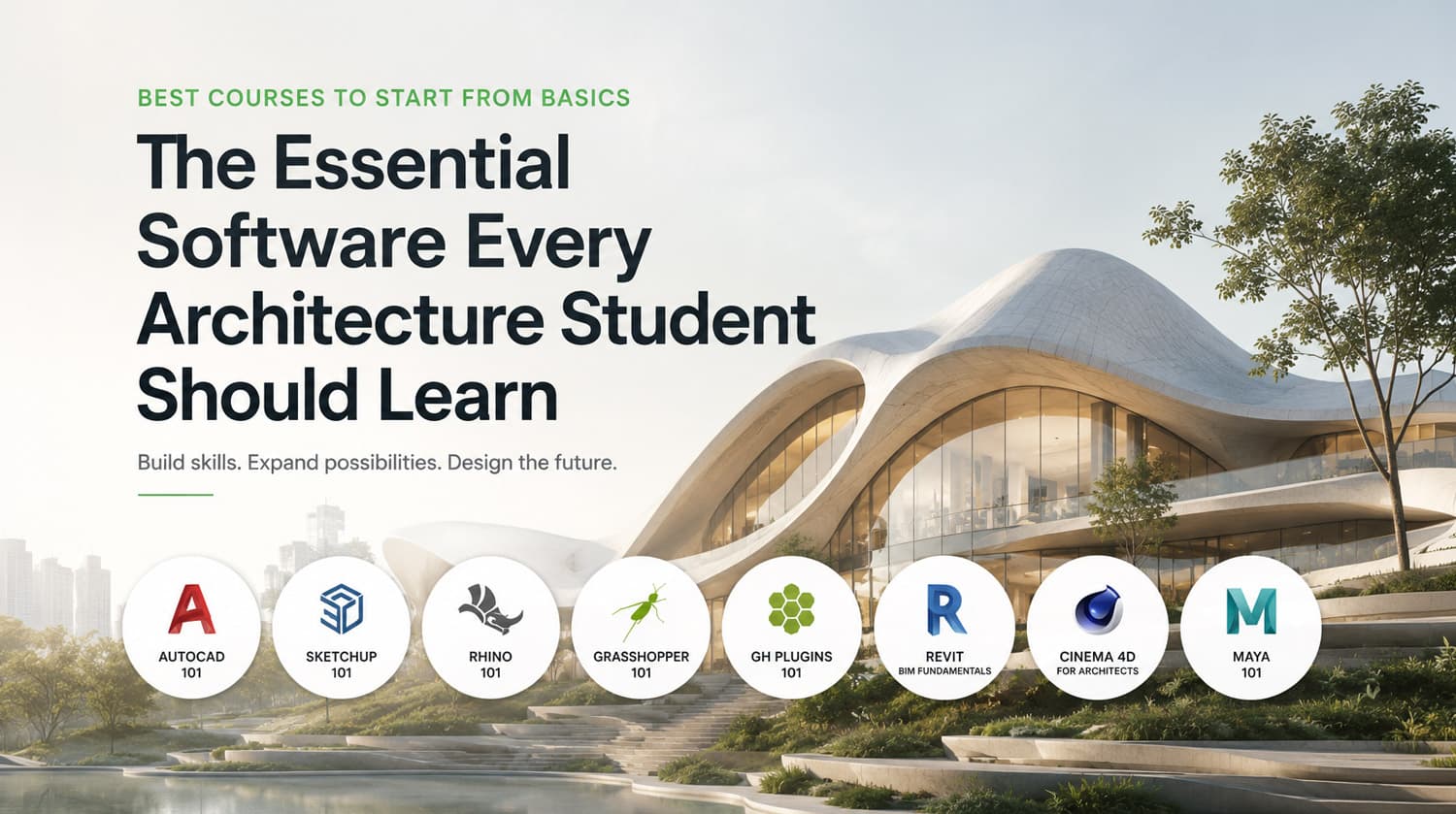
If you’re starting your architectural journey, or preparing to enter professional practice, these are the courses we recommend beginning with.
Want to learn all of these software from scratch? The Essential Architecture Software Bundle brings together all eight beginner courses featured in this article with an exclusive 30% bundle discount, a complete learning path for architecture students and recent graduates.
1. AutoCAD for Beginners 101
The Universal Language of Architectural Documentation
Before BIM, before computational design, and before photorealistic visualization, there was AutoCAD.
Despite the emergence of newer technologies, AutoCAD remains one of the most widely used drafting tools in architecture, engineering, and construction. Every architecture student benefits from understanding precise 2D drawing conventions, layer management, annotations, dimensions, and technical documentation.
Learning AutoCAD develops discipline.
It teaches precision, organization, and construction logic, skills that remain valuable regardless of which software you eventually specialize in.
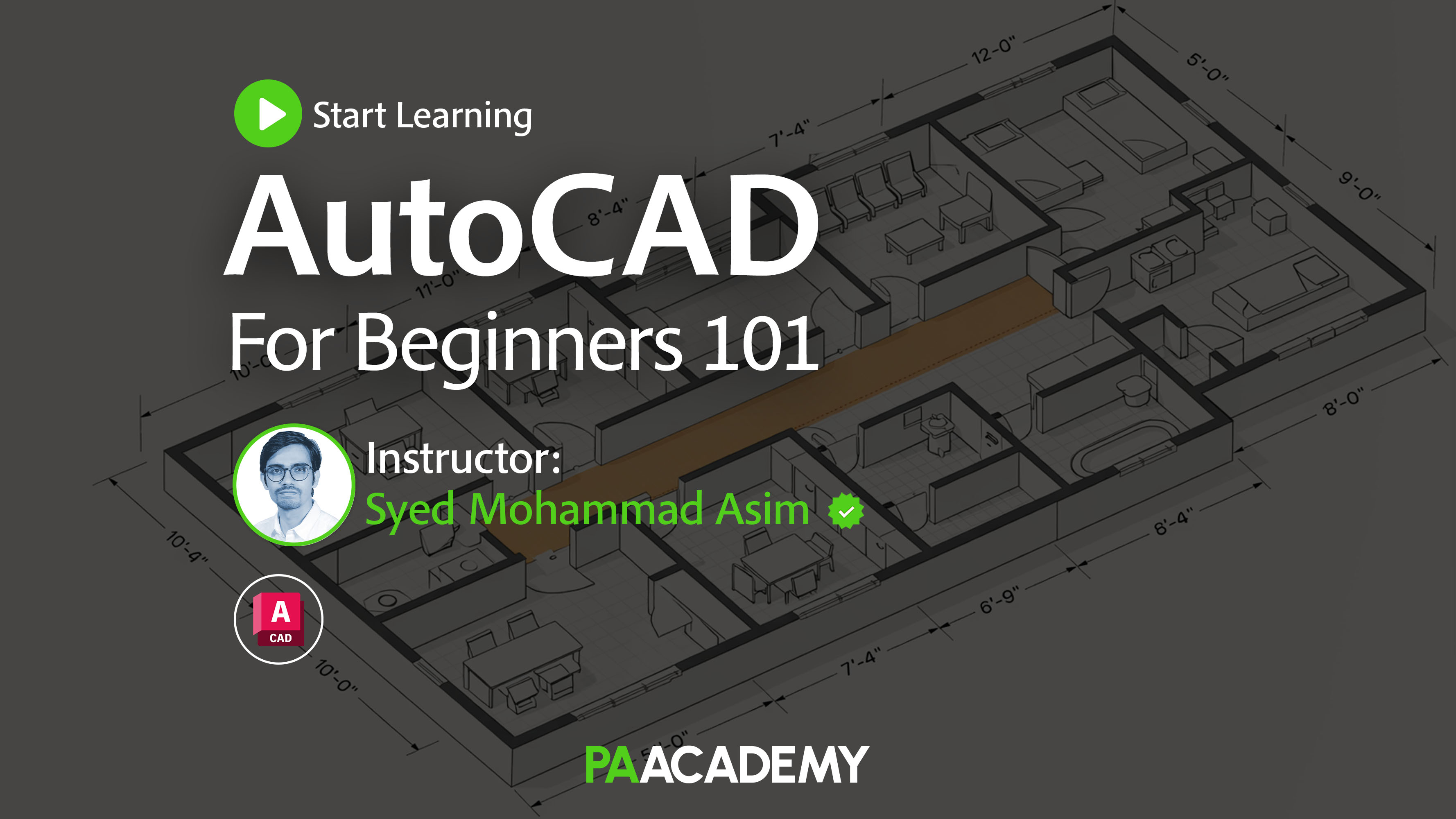
The AutoCAD for Beginners 101 course at PAACADEMY introduces complete beginners to professional drafting workflows, allowing students to confidently produce technical drawings used throughout the industry.
Instructor: Syed Mohammad Asim (AutoCAD for Beginners 101)
Syed Mohammad Asim is an architect and Autodesk Certified Professional specializing in AutoCAD and digital drafting workflows. With years of experience teaching architects and engineers, he focuses on helping beginners develop strong technical drawing skills and professional documentation practices that form the foundation of architectural production.
2. SketchUp for Beginners 101
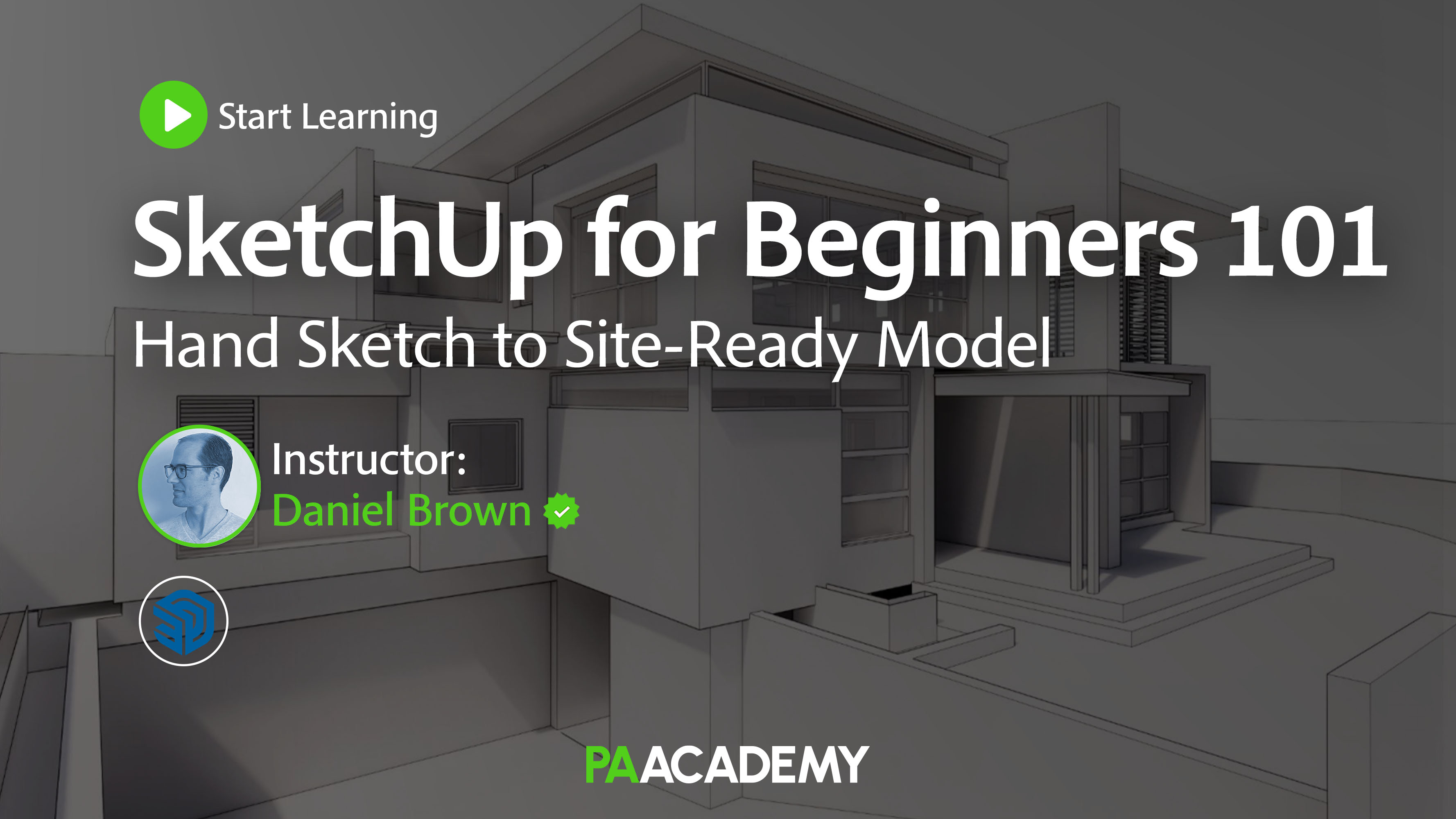
The Fastest Way to Turn Ideas into Space
Every architect needs a tool for thinking quickly.
SketchUp has earned its place as one of the world’s most intuitive modeling platforms because it allows designers to move from sketch to three-dimensional concept in minutes.
Its simplicity makes it ideal for:
- Concept design
- Massing studies
- Interior layouts
- Client presentations
- Early design iterations
For first-year architecture students especially, SketchUp often becomes the software that bridges hand sketches with digital space.
The SketchUp for Beginners 101 course introduces clean modeling techniques while establishing good habits that students will continue using throughout their careers.
Instructor: Daniel Brown (SketchUp for Beginners 101)
Daniel Brown is an architectural designer and visualization specialist with extensive experience using SketchUp throughout the design process. His teaching emphasizes intuitive modeling techniques, efficient workflows, and transforming early design ideas into clear three-dimensional architectural models.
3. Rhino for Beginners 101

The Foundation of Contemporary Digital Design
If one software has become synonymous with modern architectural innovation, it is Rhino.
Unlike traditional CAD software, Rhino offers extraordinary flexibility for modeling complex geometries, freeform surfaces, façades, product design, furniture, and fabrication-ready models.
Today Rhino is widely adopted by internationally recognized architecture firms because of its precision and interoperability.
For students interested in advanced geometry, computational workflows, or digital fabrication, Rhino is no longer optional, it is becoming essential.
The Rhino for Beginners 101 course carefully introduces modeling fundamentals before progressing toward professional architectural workflows, making it one of the strongest starting points for aspiring computational designers.
Instructor: Syed Mohammad Asim (Rhino for Beginners 101)
In addition to his expertise in CAD documentation, Syed Mohammad Asim has extensive experience with Rhino’s precision modeling environment. His beginner-focused approach helps students understand complex geometry through practical architectural exercises while establishing solid modeling fundamentals.
4. Grasshopper3D for Beginners 101
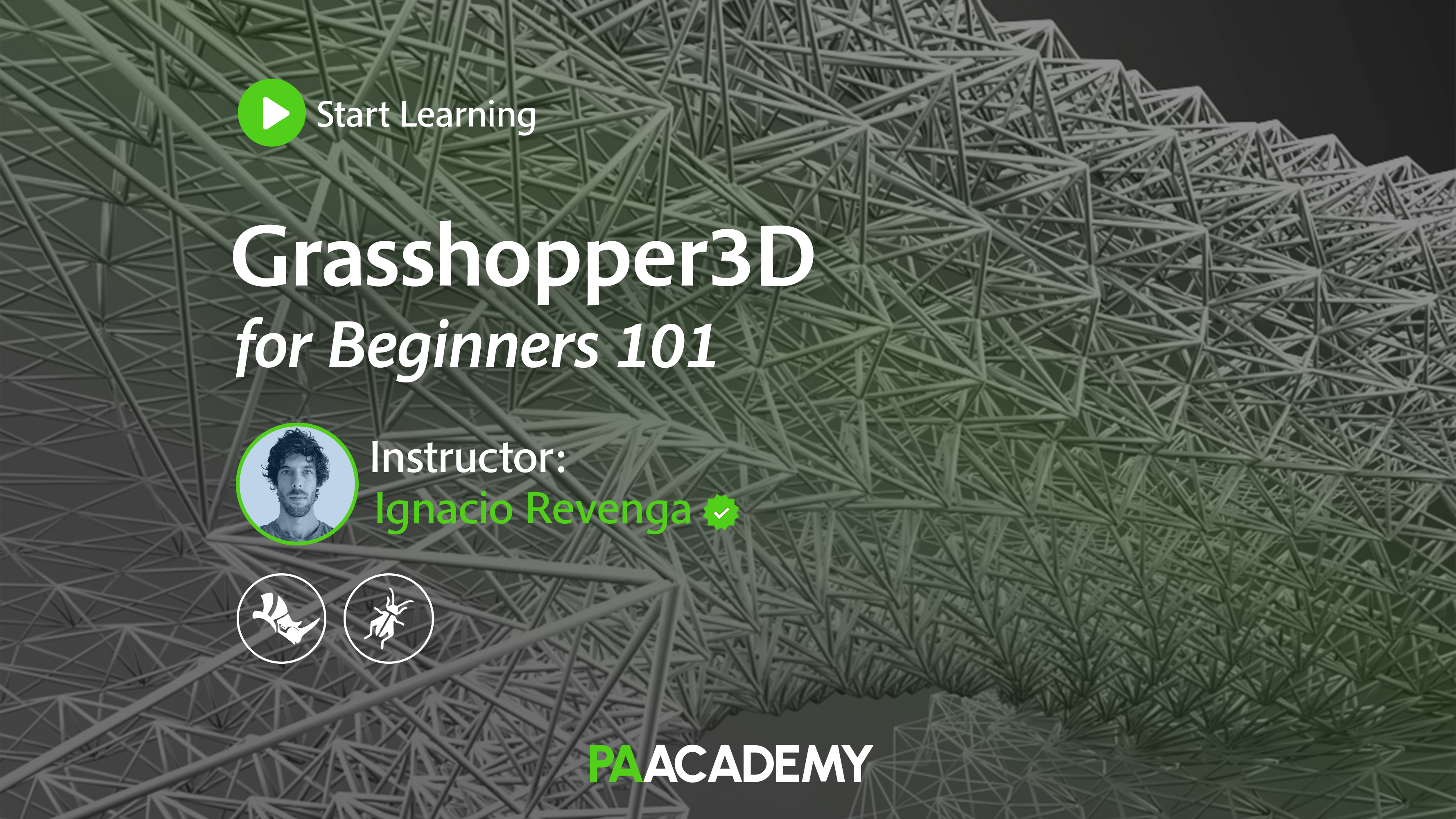
Learning to Design with Logic
Once students become comfortable inside Rhino, the next step is often Grasshopper.
Grasshopper fundamentally changes how architects think.
Instead of drawing geometry directly, designers create relationships, parameters, and algorithms that generate geometry automatically.
This shift, from modeling objects to designing systems, has transformed computational architecture over the past two decades.
Today, many leading practices use Grasshopper for:
- Parametric façades
- Optimization
- Environmental analysis
- Generative design
- Digital fabrication
- AI-assisted workflows
The Grasshopper3D for Beginners 101, removes the intimidation often associated with computational design by explaining every concept step by step, making it accessible even for complete beginners.
Instructor: Ignacio Revenga (Grasshopper3D for Beginners 101)
Ignacio Revenga is a computational designer and architect specializing in parametric design, algorithmic thinking, and digital fabrication. Through years of professional practice and education, he has helped architects understand computational workflows by making complex Grasshopper concepts accessible to beginners.
5. Grasshopper Essential Plugins for Beginners 101
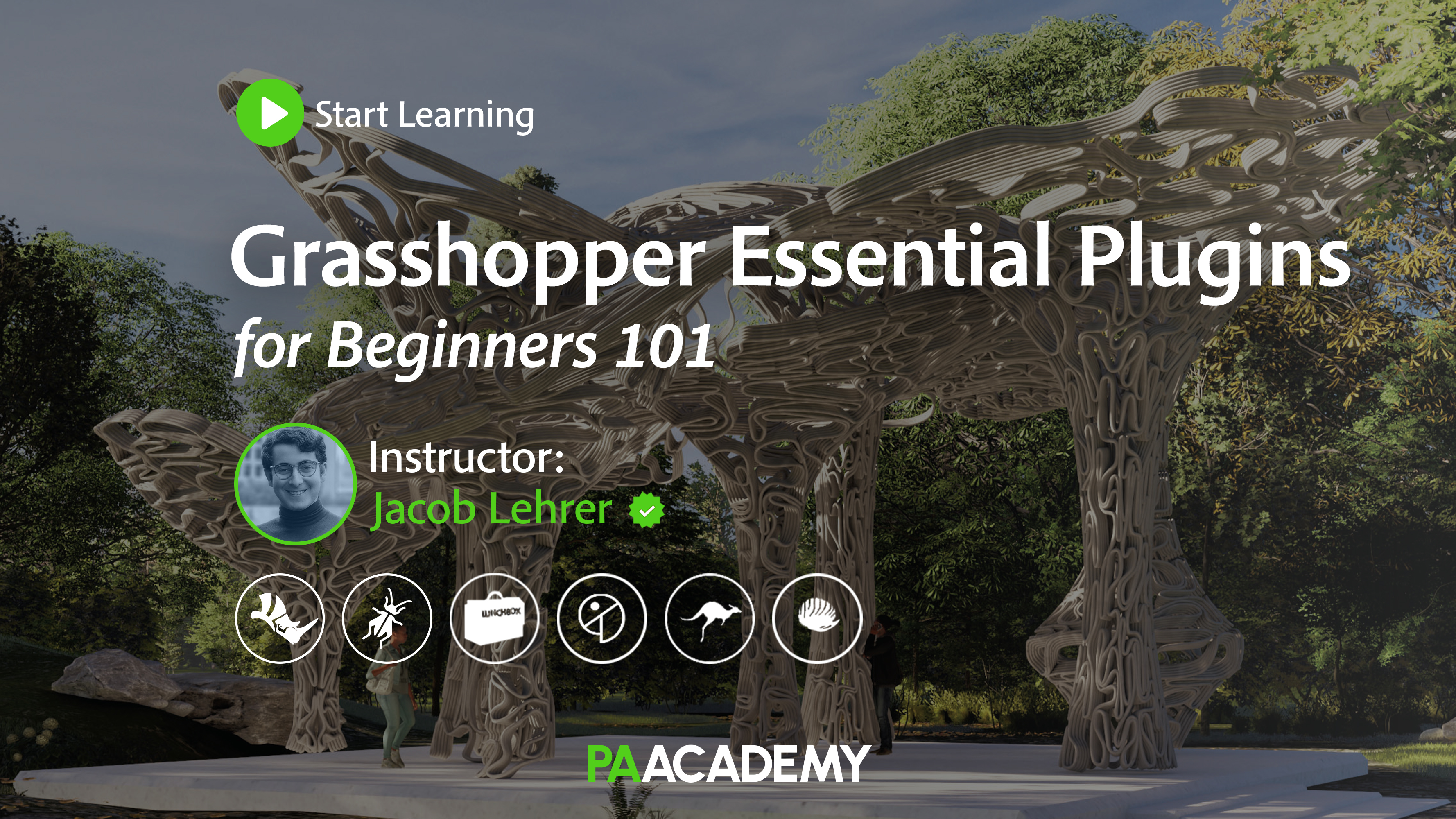
Expanding Computational Design Possibilities
Learning Grasshopper is only the beginning.
The software’s real power emerges through its extensive ecosystem of plugins, each extending its capabilities for simulation, geometry generation, optimization, visualization, and environmental analysis.
Understanding which plugins matter, and when to use them, is one of the biggest challenges for new computational designers.
The Grasshopper Essential Plugins for Beginners 101, introduces students to the industry’s most widely adopted plugins while maintaining a beginner-friendly learning experience.
Rather than overwhelming learners with hundreds of tools, the course focuses on building a practical computational workflow that students can immediately apply.
Instructor: Jacob Lehrer (Grasshopper Essential Plugins for Beginners 101)
Jacob Lehrer is an architect, computational designer, and educator recognized for his expertise in advanced Grasshopper workflows and plugin ecosystems. His teaching focuses on practical problem-solving, helping designers integrate industry-standard plugins into efficient computational design processes.
6. Revit Basics 101: BIM Fundamentals
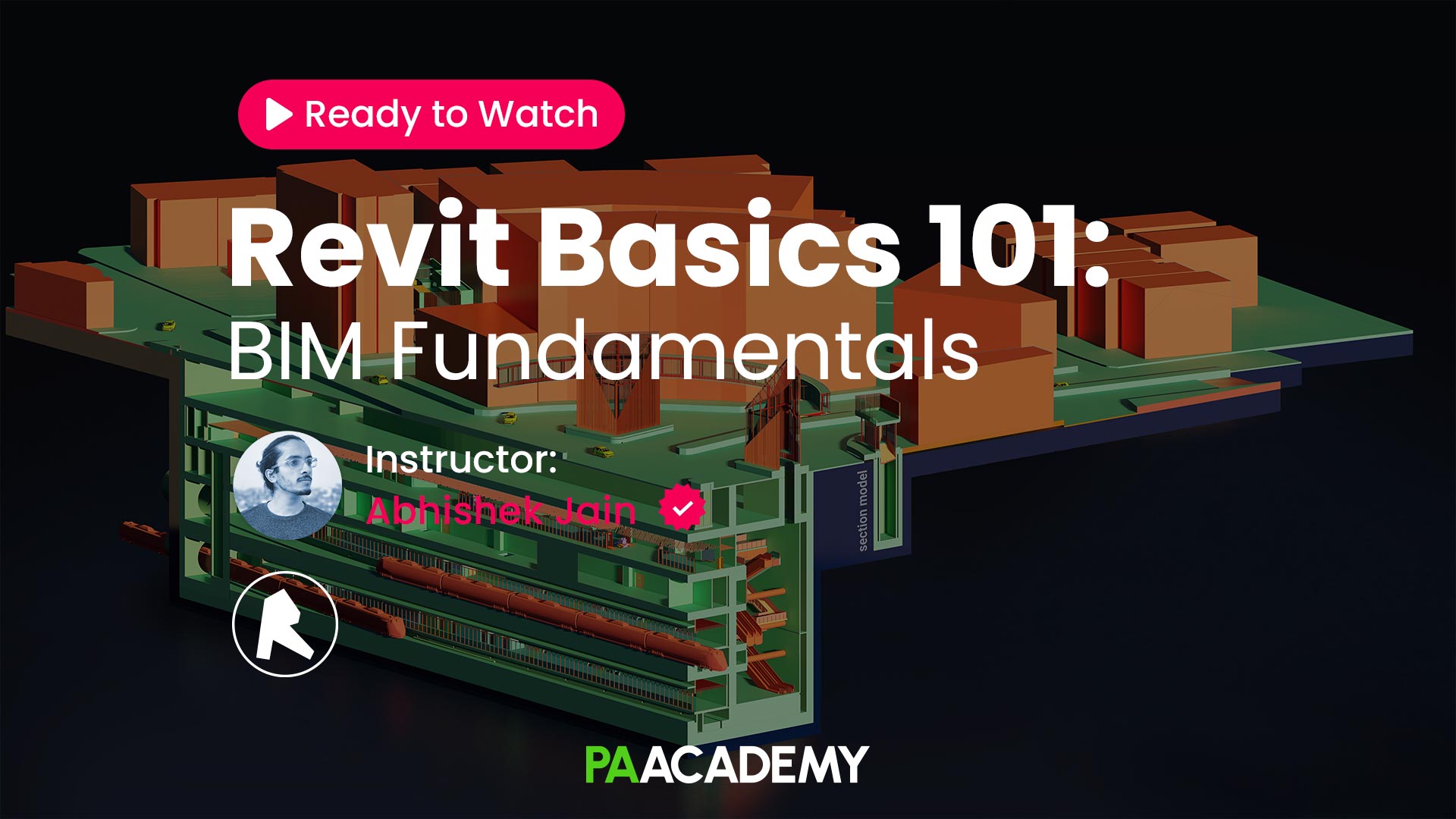
Preparing for Modern Practice
If Rhino represents design exploration, Revit represents project delivery.
Building Information Modeling (BIM) has fundamentally transformed how buildings are documented, coordinated, and constructed.
Today, many architecture firms require graduates to understand BIM workflows before entering practice.
Unlike conventional drafting software, Revit creates intelligent building models where plans, sections, schedules, and documentation remain interconnected.
Learning BIM is no longer simply learning software.
It means understanding how multidisciplinary teams collaborate throughout an entire building lifecycle.
The Revit Basics 101: BIM Fundamentals course introduces students to BIM methodology while building confidence inside one of the industry’s most important professional tools.
Instructor: Abhishek Jain (Revit Basics 101: BIM Fundamentals)
Abhishek Jain is a BIM specialist and Autodesk Certified Professional with extensive experience in Building Information Modeling and multidisciplinary project coordination. His courses introduce beginners to BIM methodology while building practical Revit skills used throughout contemporary architectural practice.
7. Cinema 4D for Architects: Beginner’s Guide
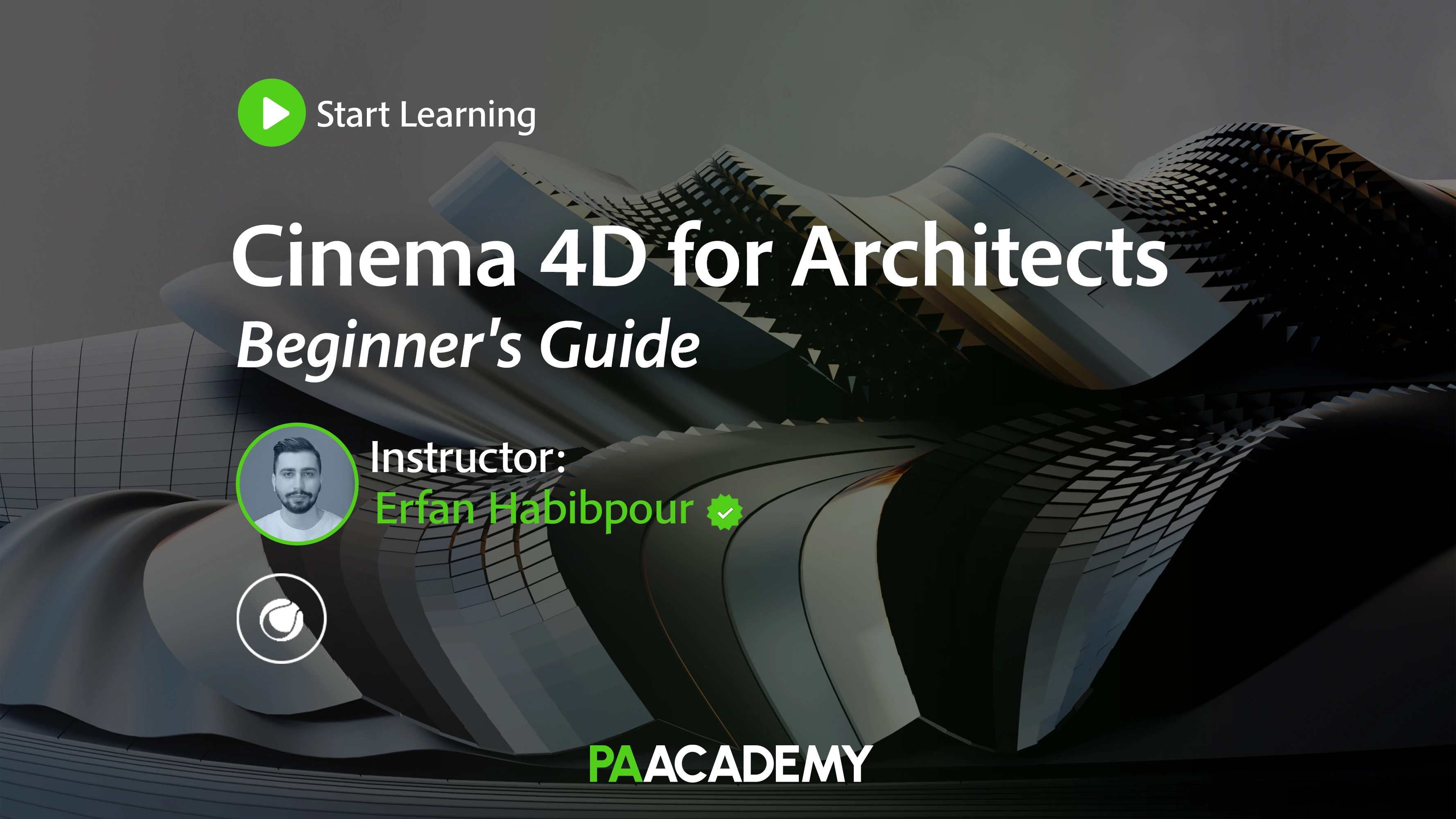
Bringing Architectural Stories to Life
Architecture is not only about designing buildings. It is also about communicating ideas.
Cinema 4D has become one of the most respected tools for architectural visualization, animation, and motion graphics. Increasingly, architects use animation to explain spatial sequences, construction processes, urban interventions, and client presentations.
As storytelling becomes a more valuable skill within architecture, motion design is quickly becoming part of an architect’s creative toolkit.
The Cinema 4D for Architects: Beginner’s Guide introduces students to professional visualization workflows while remaining approachable for complete beginners.
Instructor: Erfan Habibpour (Cinema 4D for Architects: Beginner’s Guide)
Erfan Habibpour is an architectural visualization artist and motion designer specializing in Cinema 4D workflows for architecture. His expertise spans modeling, animation, and visual storytelling, helping architects create compelling presentations and cinematic architectural visualizations.
8. Maya for Beginners 101: Cyber Tower
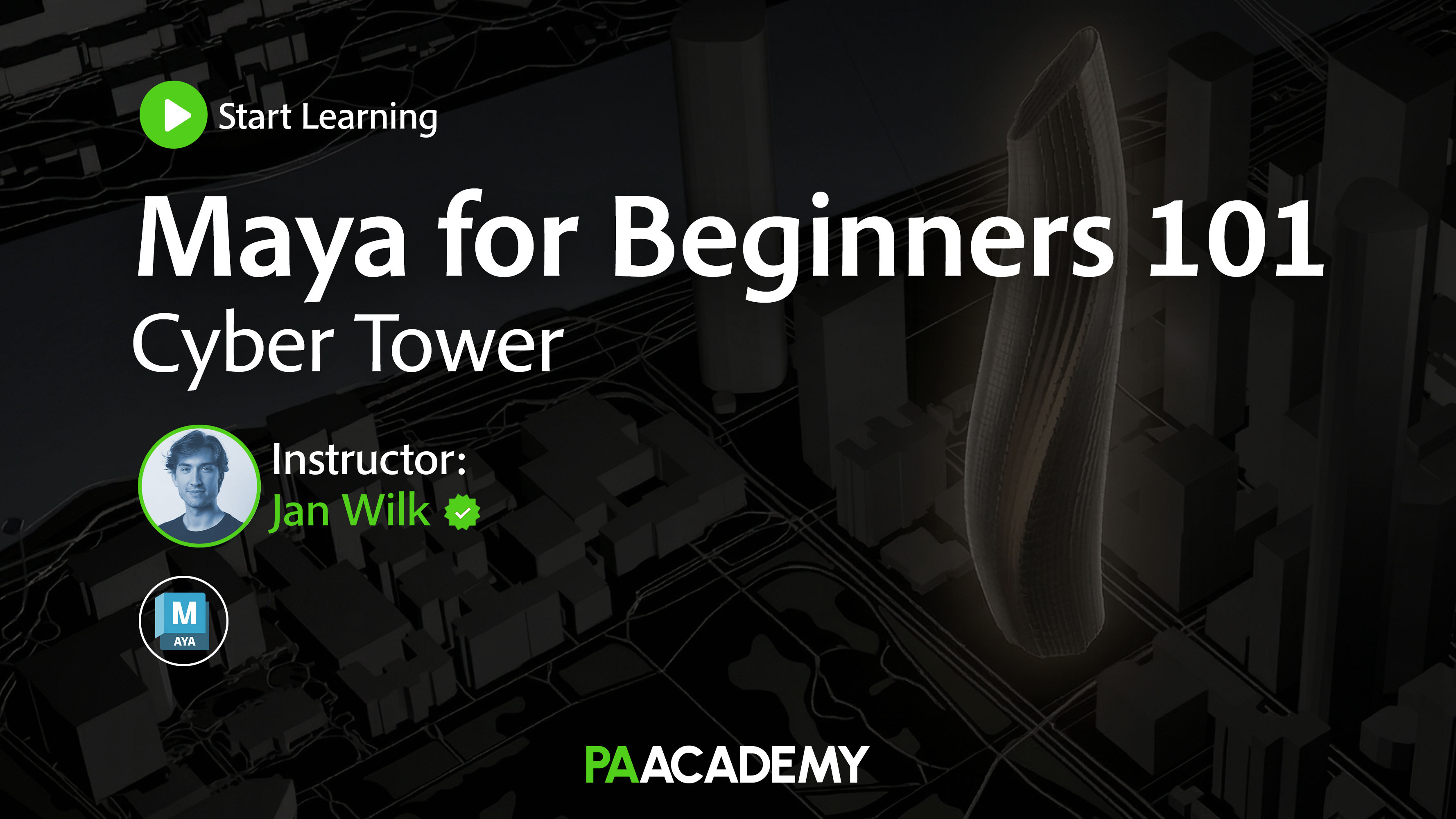
Mastering High-End Digital Modeling
Autodesk Maya is traditionally associated with the film and gaming industries, yet its influence on architecture continues to grow.
Advanced visualization studios increasingly rely on Maya for complex modeling, procedural workflows, cinematic animations, and high-end digital content creation.
Architects interested in visualization, digital art, immersive experiences, and future technologies will find Maya an invaluable addition to their software ecosystem.
The Maya for Beginners 101: Cyber Tower, introduces students to Maya through an architectural project, allowing them to develop practical modeling skills while creating an engaging design from start to finish.
Instructor: Jan Wilk (Maya for Beginners 101: Cyber Tower)
Jan Wilk is a digital artist and 3D visualization expert whose work combines architectural modeling with advanced CGI techniques. Through his project-based teaching approach, students learn Autodesk Maya while developing professional workflows used in architectural visualization and digital content creation.
Learning Software Is About More Than Software
One of the biggest misconceptions among architecture students is believing that mastering software automatically makes someone a better architect.
It doesn’t. Software is a medium. Design thinking remains the foundation.
However, ideas only become valuable when they can be communicated, tested, documented, coordinated, visualized, fabricated, and eventually built.
Digital tools make those ideas possible.
The strongest architects combine conceptual thinking with technical fluency.
They move comfortably between creativity and execution.
That combination is increasingly becoming the defining characteristic of successful architectural careers.
Ready to build your digital architecture toolkit? Get all eight beginner courses together with the Essential Architecture Software Bundle and save 30%. It’s the easiest way to start learning the industry’s most essential software in one structured program.
Conclusion
Architecture is changing faster than ever before. Artificial intelligence, computational design, BIM, immersive visualization, automation, and digital fabrication continue reshaping the profession almost daily.
For students and recent graduates, this rapid transformation can feel overwhelming.
The solution is not to learn every software at once.
It is to build a strong foundation, one carefully chosen tool at a time.
AutoCAD teaches precision. SketchUp develops spatial thinking. Rhino expands geometric possibilities. Grasshopper introduces computational design. Revit prepares students for collaborative practice. Cinema 4D and Maya elevate architectural storytelling through visualization and animation.
Together, these skills form a digital toolkit that prepares architects not only for today’s profession but for tomorrow’s.
At PAACADEMY, our mission is to empower architects through continuous learning, connecting students, professionals, architecture firms, and universities with industry-leading educators and practical courses designed for the future of design. Because in an industry evolving as rapidly as architecture, the most valuable skill isn’t mastering a single software, it is developing the ability to keep learning.


.jpg&w=3840&q=75)