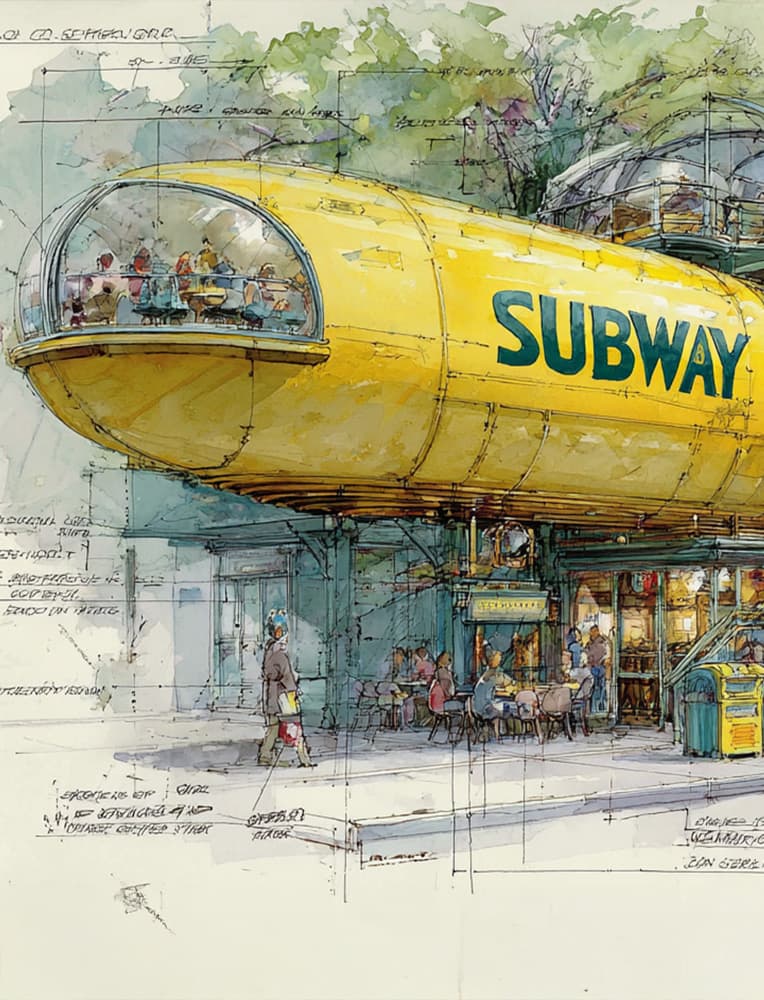
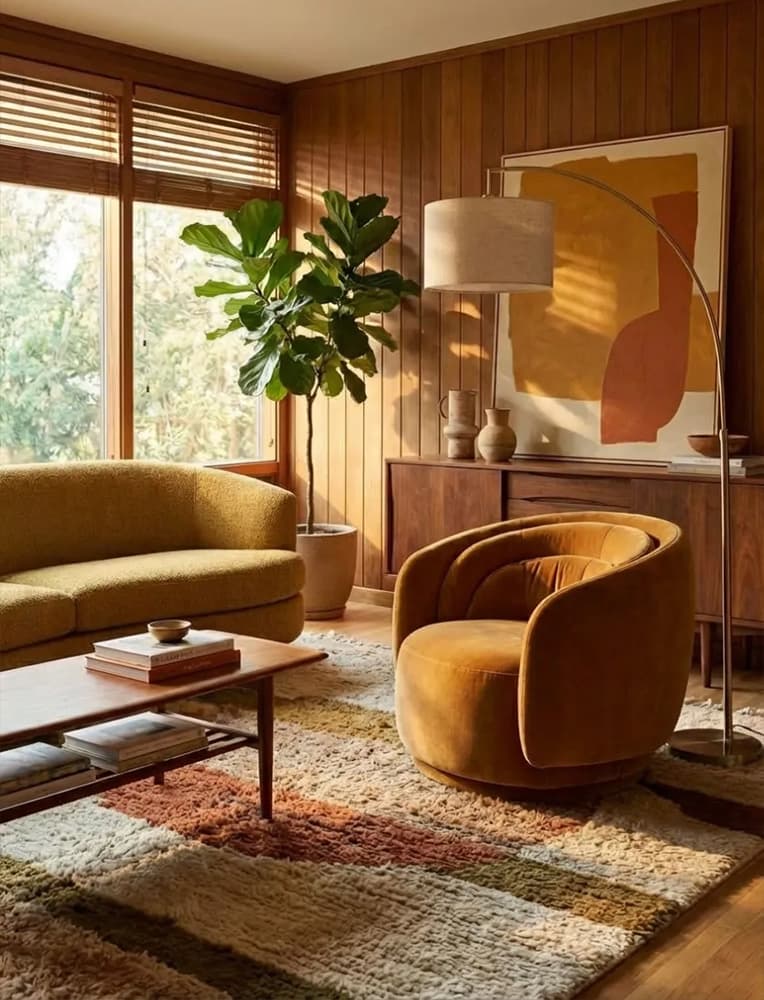
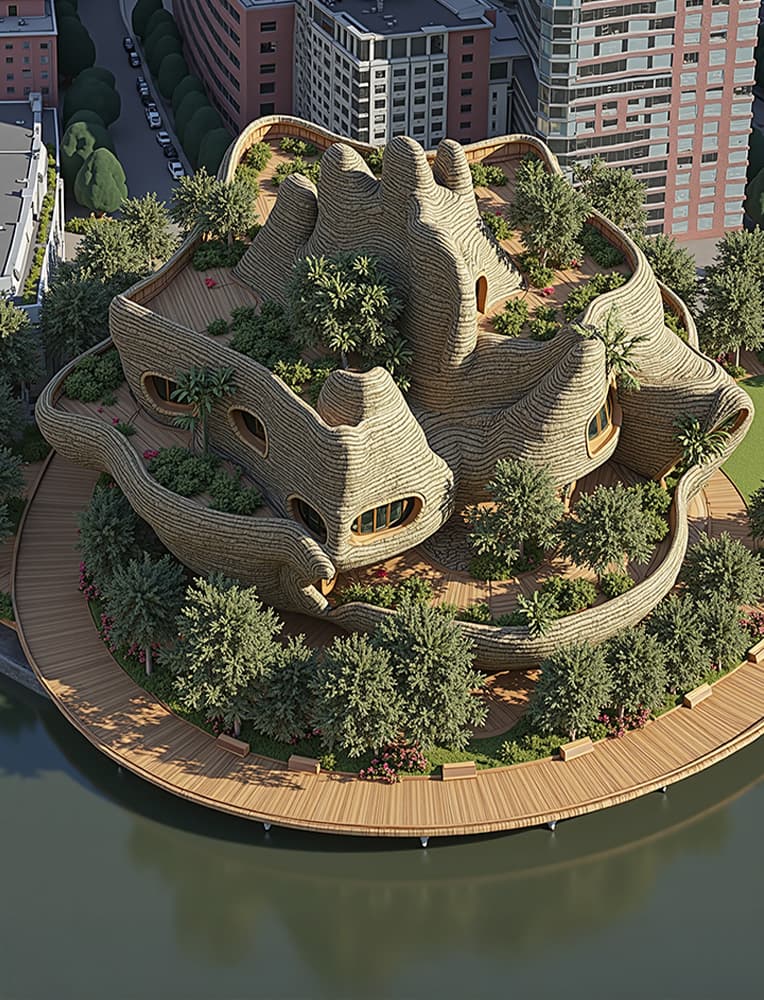
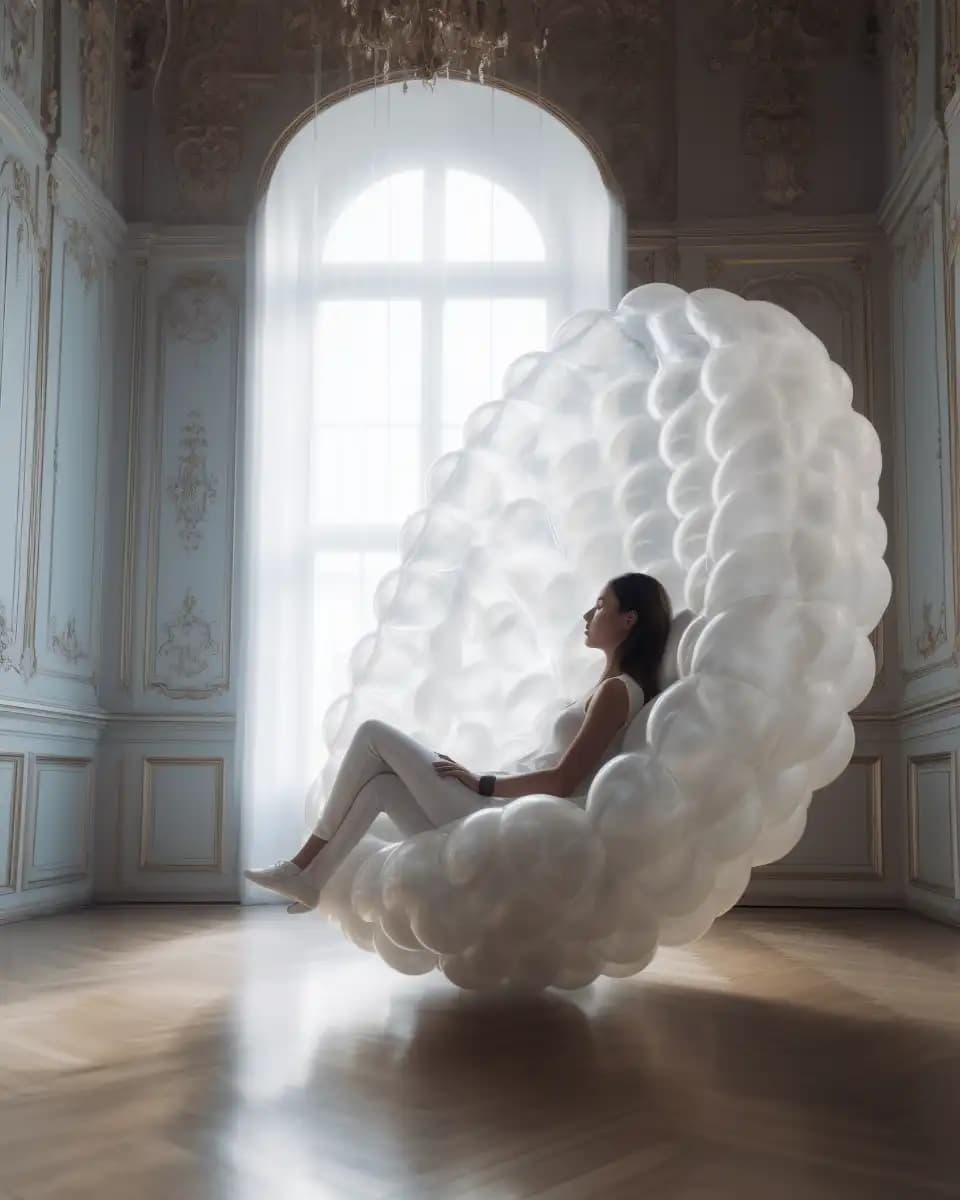
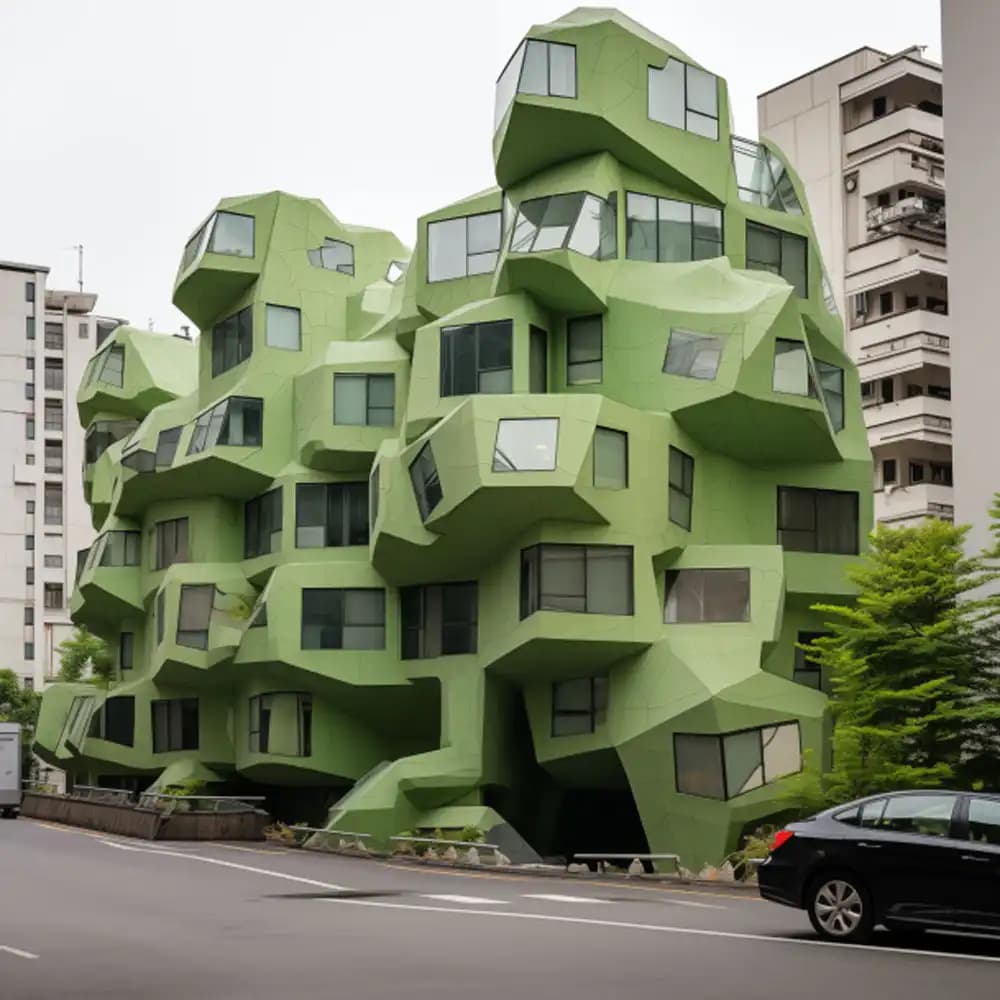
This workshop focuses on conceptual design and ideation across architecture and spatial design. We will delve into creating visionary designs – from futuristic architectural facades and imaginative pavilions to artistic interior scenes or even urban interventions – using a diverse array of AI tools.
You’ll get insight into generative workflows that can be applied to any design typology, with a focus on early-stage concept development.
Using Midjourney, we will generate broad creative visions and mood boards at the click of a button, exploring styles ranging from photorealistic to abstract. Nano Banana, Google’s latest AI image editor, will be introduced as a way to fine-tune and tweak images by simply highlighting parts and describing changes – imagine changing the material or lighting of a render just by telling the AI what you want.
The scope isn’t limited to purely digital workflows: we’ll also touch on integrating AI output with traditional design methods. For instance, we might use SketchUp (optional) to create a quick 3D massing or model and then feed it into our AI tools for further visualization, or take an AI-generated image and interpret its form in a 3D model.
By covering a range of design approaches, from AI-generated imagery to basic 3D modeling, the workshop demonstrates how AI can fit into and enhance your existing design process rather than replace it. Expect a creative, exploratory atmosphere – this is about experimenting with new possibilities in design and finding innovative visual directions for your projects.
We adopt a learn-by-doing methodology that keeps you actively engaged from start to finish. Short lectures and demonstrations will introduce each tool and workflow, but the core of the workshop is interactive practice.
We’ll walk through several distinct AI-driven workflows step by step:
-
Text-to-Image Ideation: You’ll start by writing simple text prompts in Midjourney to instantly generate diverse concept images. This workflow helps kickstart the imagination – you can produce multiple ideas in minutes and then zero in on the promising ones.
-
Image-to-Image Transformation: Next, we’ll introduce how to build on existing content. For example, you can sketch a rough outline of a building or upload a basic SketchUp model screenshot, and then use Midjourney’s variations to reinterpret and refine that initial idea. This teaches you to guide the AI with a design you’ve begun, marrying human intuition with machine creativity.
-
Inpainting & AI Editing: We’ll use Nano Banana's inpainting capabilities to modify specific parts of images. Is there a detail in your AI-generated render you don’t like? You’ll learn to mask it and change it – perhaps swap out the sky for a sunset, change a facade material, or add trees and people – all by instructing the AI. This workflow is incredibly powerful for iterating and polishing your concepts without starting over each time.
-
Diverse Workflow Integration: Throughout, we emphasize that there’s no one “right” way – often the best results come from hybrid workflows. You might start in Midjourney, touch up with Nano Banana, and even loop back to sketching or modeling. We’ll demonstrate how to blend these tools seamlessly to suit different design needs. For instance, one workflow might be generating concept art in Midjourney and then using it as a style reference in Stable Diffusion to apply that style to another shape or model.
-
Collaboration and Creative Freedom: For the final project, you will have full freedom to decide whether to work solo or form a small team. We encourage collaboration for those who want to brainstorm together, but individual exploration is equally supported. The instructor will be continuously available to guide and support both individuals and groups as needed.
The workshop is very much hands-on and iterative: try something, see the results, then iterate or pivot to a new approach. We want you to leave not just with cool images, but with a robust understanding of how those images were generated and how you can incorporate these AI techniques into your daily design toolkit.
Every step of the way, real-world tips and best practices will be shared – from crafting effective prompts to dealing with common AI quirks – ensuring you gain practical skills alongside creative confidence.
One intensive day split into two sessions (4 hours each, plus short breaks).
Mixed-level workshop: suitable for both beginners and experienced designers.
Session 1: Foundations of AI Creativity
- Inspiration & Overview (Lecture/Demo): Kick off with how AI is transforming design ideation, with examples of architecture and products created using Midjourney and Stable Diffusion.
- Midjourney Hands-on Basics: Set up access and practice prompt-crafting live. Experiment with different prompt styles, from simple descriptive phrases to complex stylistic references, and generate a gallery of concept images. Learn how keywords like “ultramodern,” “wooden pavilion,” or artist names can change outcomes.
- Experimentation & First Project Ideation: Choose a theme (e.g., “futuristic cabin in the woods” or “floating city pavilion”) and apply what you’ve learned. Generate styles and moods in Midjourney, then refine or evolve them.
Session 2: Advanced Workflows & Final Concept Development
- Advanced Techniques Demo: Explore image-to-image generation and Nano Banana inpainting. Learn to remove objects, change façade styles, and control randomness with seeds for design continuity.
- Integrating SketchUp (Optional): See how simple models can enhance AI workflows. Capture a view of a massing model and feed it into Midjourney to combine spatial geometry with AI-driven aesthetics. (Optional – participants not using SketchUp continue refining with AI.)
- Final Project Work Session: Guided studio time to finalize your concept. Generate last images, edit, or apply style transfers, and assemble your presentation. Work solo or in teams; the instructor will provide feedback and technical guidance. By session’s end, you’ll have a complete set of images or boards representing your AI-augmented design.
- Presentations & Wrap-up: Share your outcomes, discuss effective workflows, and celebrate progress. Open discussion on lessons learned, real-world applications, and tips for continued skill development. Leave inspired and ready to apply AI in future projects.
Note: The schedule may be adjusted to match the group’s pace, ensuring no one is left behind.


.jpg&w=3840&q=75)


.jpg&w=3840&q=75)