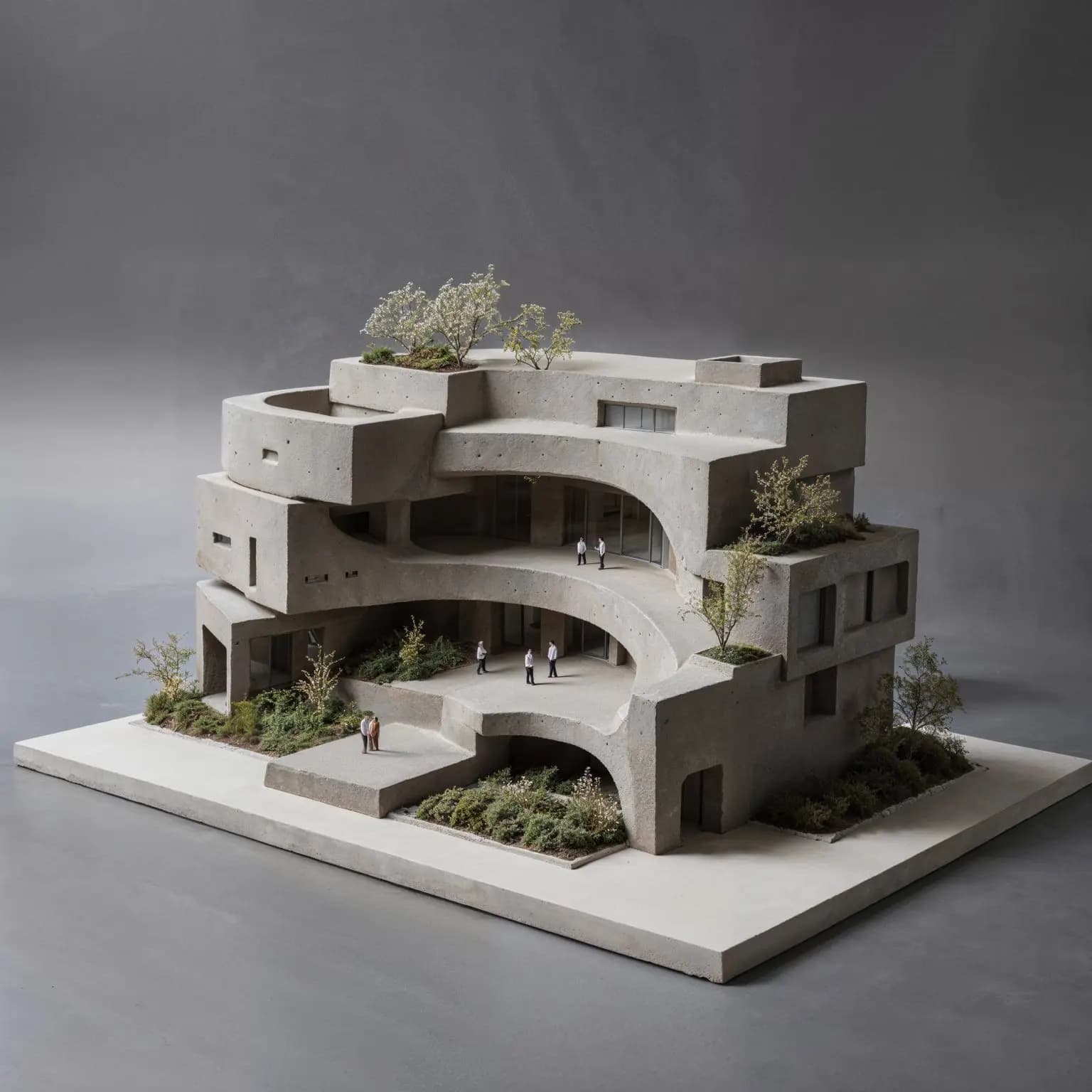
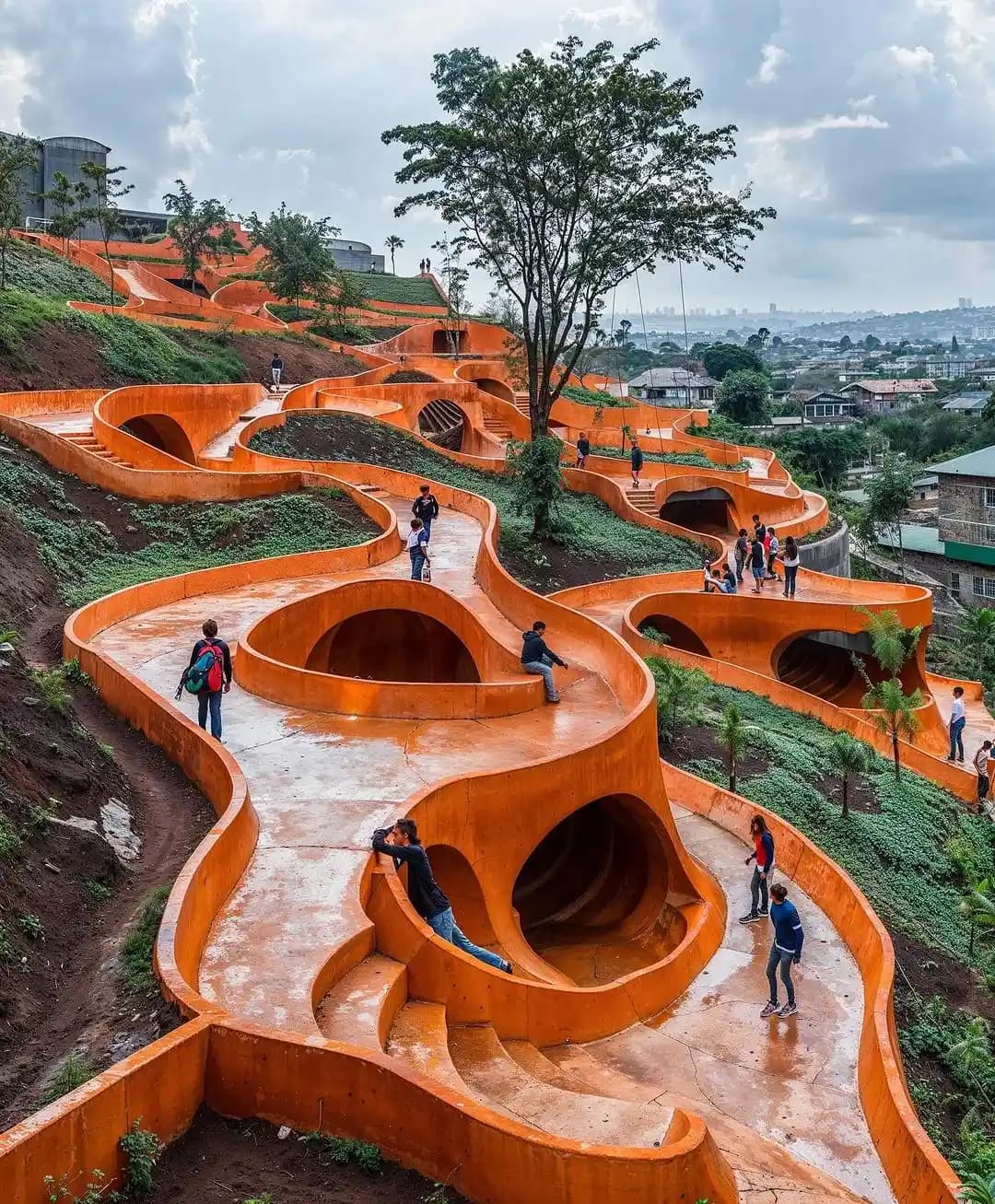
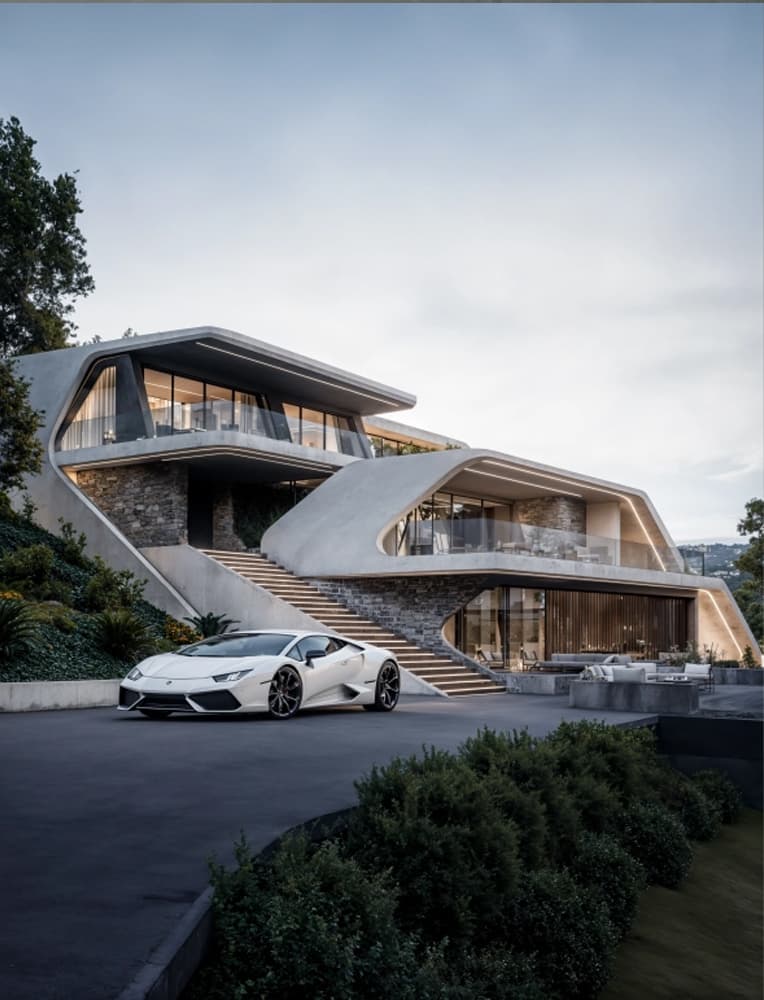
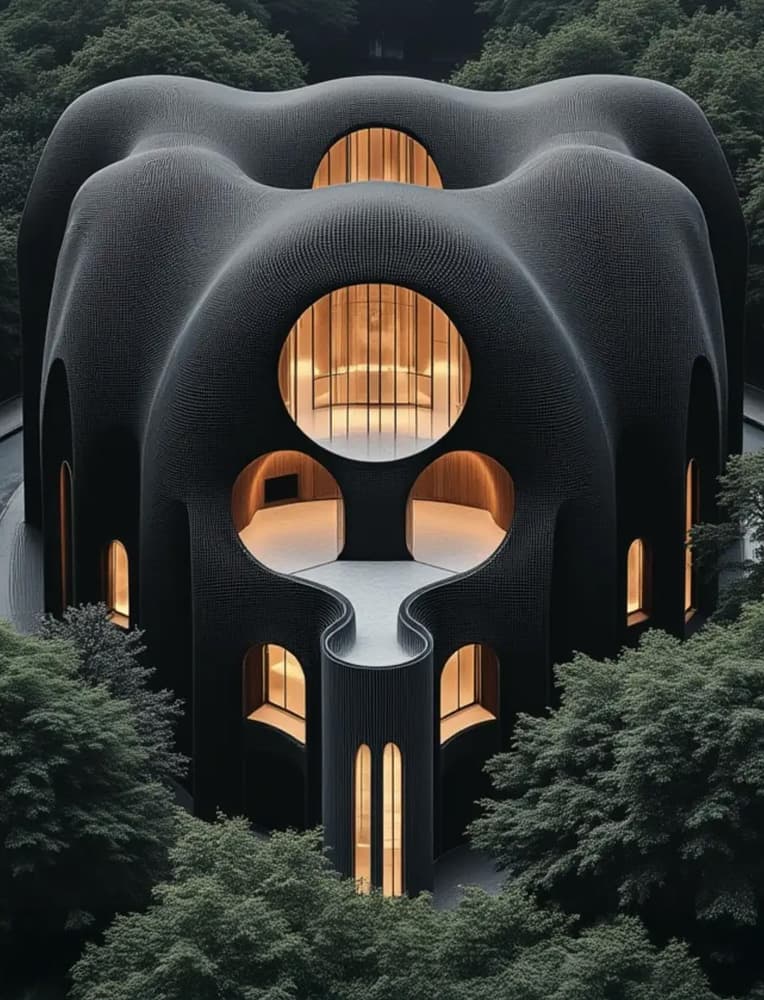
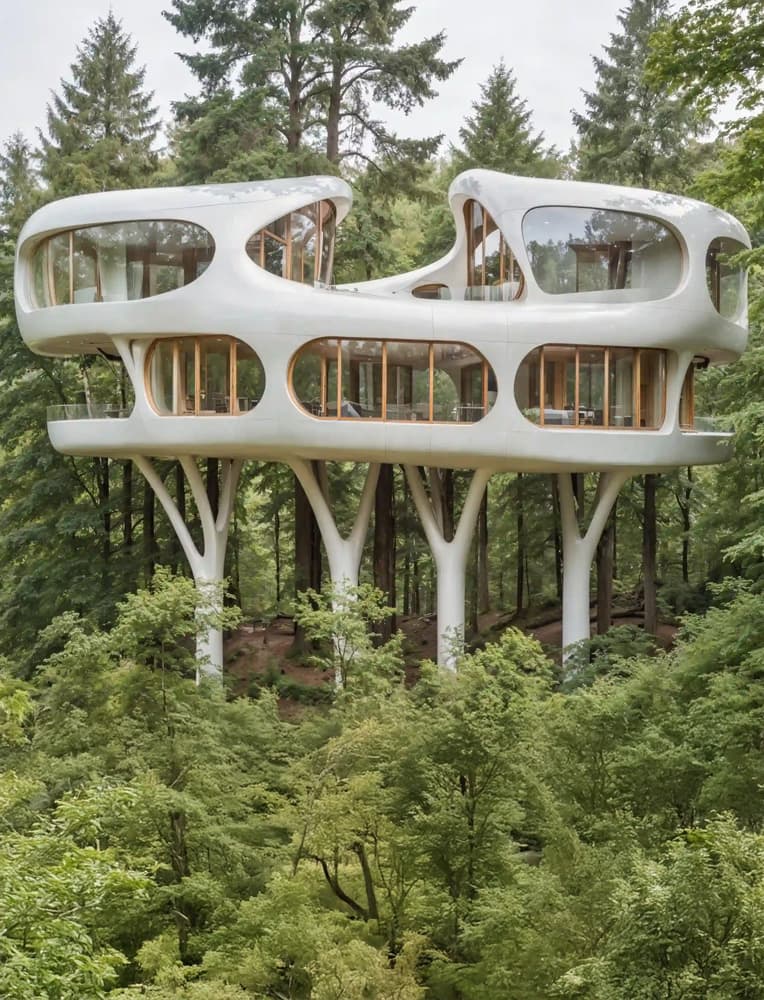
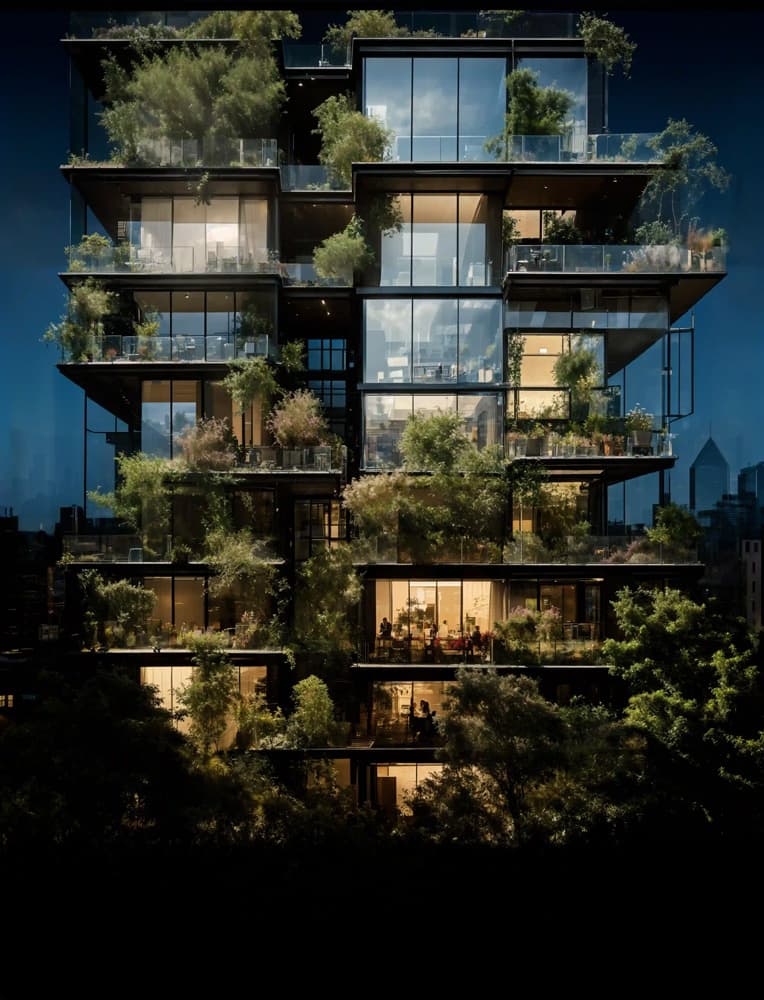
This workshop will provide architects with a comprehensive mastery of the Flux model suite, moving from foundational text-to-image to complex, multi-conditional workflows.
The workshop focuses on leveraging the unique capabilities of each Flux variant to achieve unparalleled control, quality, and efficiency in architectural concept generation, refinement, and translation into dynamic video and 3D forms.
Program:
Day 1: Flux Foundations & Core Architectural Techniques (4 Hours)
Focus: Building a deep understanding of the core Flux models and mastering the essential techniques for image generation, control, and refinement in an architectural context.
Hour 1: Introduction to the Flux Era & Core Generation
Presentation: The Diffusion Architect 3.0 – Why the Flux Era?
-
Overview of the Flux architecture: What makes it a paradigm shift from previous models (speed, efficiency, transformer base).
-
Introduction to the specific Flux variants and their roles:
Text-to-Image with flux schnell
-
Creating a foundational text-to-image workflow in ComfyUI.
-
Exploring the speed and characteristics of flux schnell for rapid architectural ideation and concept development.
-
Prompting strategies tailored to schnell's behavior.
Tool Focus: ComfyUI, flux schnell.
Hour 2: Image-to-Image & Foundational Control
Image-to-Image with flux schnell
Image-to-Image + ControlNets with flux dev
Architectural Control Tools: flux canny + flux depth
Tool Focus: ComfyUI, flux schnell, flux dev, ControlNet (canny, depth).
Hour 3: Advanced Direction & Stylistic Influence
Deep Dive into flux loras
-
Understanding how LoRAs are implemented and interact specifically with Flux models.
-
Sourcing, applying, and weighting architectural LoRAs for targeted stylistic control (e.g., Brutalism, Biophilic design, specific material palettes).
Image Referencing with flux redux (IPAdapter)
-
Mastering image-to-image referencing workflows for consistent style, mood, and compositional guidance.
-
Balancing prompt, LoRA, and redux influences.
Tool Focus: ComfyUI, flux dev, Flux-compatible LoRAs, flux redux (IPAdapter).
Hour 4: Essential Utilities & Image Finalization
Corrective Inpainting with flux fill
-
Introduction to flux fill for seamless inpainting and outpainting.
-
Architectural use cases: Refining details, removing unwanted artifacts, extending canvases, and targeted design modifications.
High-Resolution Upscaling with flux dev
Day 1 Wrap-up & Q&A
Day 2: Advanced Combinations, Multimodality & Dimensional Leaps (4 Hours)
Focus: Synergizing the learned techniques into complex workflows, exploring multimodal generation, and translating 2D masterpieces into dynamic video and 3D forms.
Hour 1: The Combinational Workflow – Total Control
Building the Ultimate Architectural Workflow
-
This hour is dedicated to constructing a complex, synergistic workflow from the ground up.
-
Layering multiple techniques for maximum creative control:
-
Strategies for organizing and managing complex ComfyUI graphs.
-
Live demonstration: Creating a highly detailed and specific architectural scene using the full combinational workflow.
Tool Focus: All Day 1 tools combined.
Hour 2: Multimodal Generation with flux kontext dev
Exploring the Frontier: Multimodal Interaction
Demonstrating powerful use cases:
-
Style Transfer: "Make this photorealistic image look like an anime sketch."
-
Object/Subject Tweaks: "Change the building material from concrete to timber."
-
Text Editing: "Change the sign on the building to say 'Library'."
-
Comparing flux kontext dev to traditional inpainting and img2img methods.
Tool Focus: ComfyUI, flux kontext dev.
Hour 3: Image-to-Video with Kling AI
Bringing Architecture to Life
-
Taking high-quality images generated from the combinational or multimodal workflows and translating them into video.
-
Workflow and best practices for preparing images for Kling AI.
-
Exploring Kling's capabilities for creating dynamic camera movements, atmospheric effects, and short architectural fly-throughs.
Tool Focus: Kling AI; ComfyUI (for source image preparation).
Hour 4: The Final Dimension – Image-to-3D
Image-to-3D with Hunyuan 2.5
-
The final leap: Using refined 2D images as a source for 3D model generation.
-
Introduction to Hunyuan 2.5: Capabilities, ideal input characteristics, and workflow.
-
Step-by-step process of generating a 3D model from a selected architectural image.
Assessing & Integrating the 3D Output
-
Critical analysis of the generated 3D model's geometry, texture, and suitability for architectural conceptualization.
-
Brief overview of potential next steps (e.g., cleanup in Rhino/Blender).
Final Remarks & Future of Flux
Tool Focus: Hunyuan 2.5