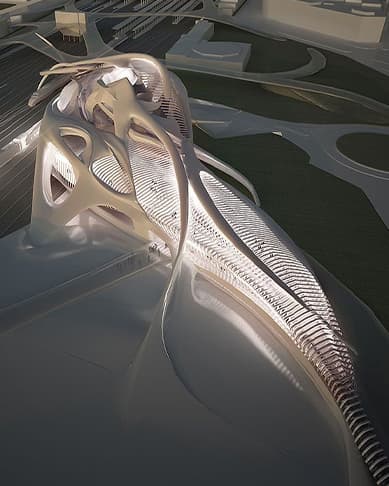
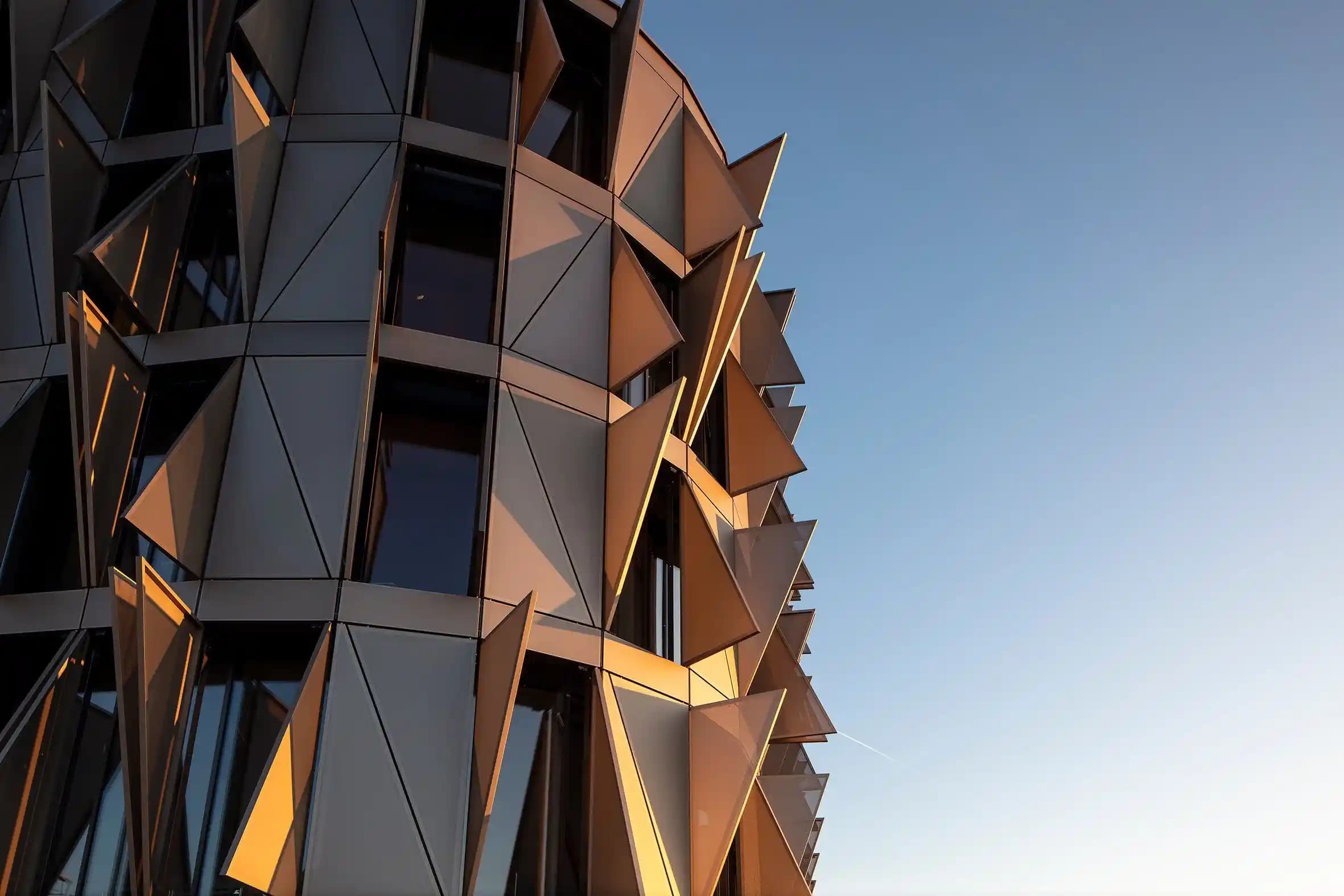
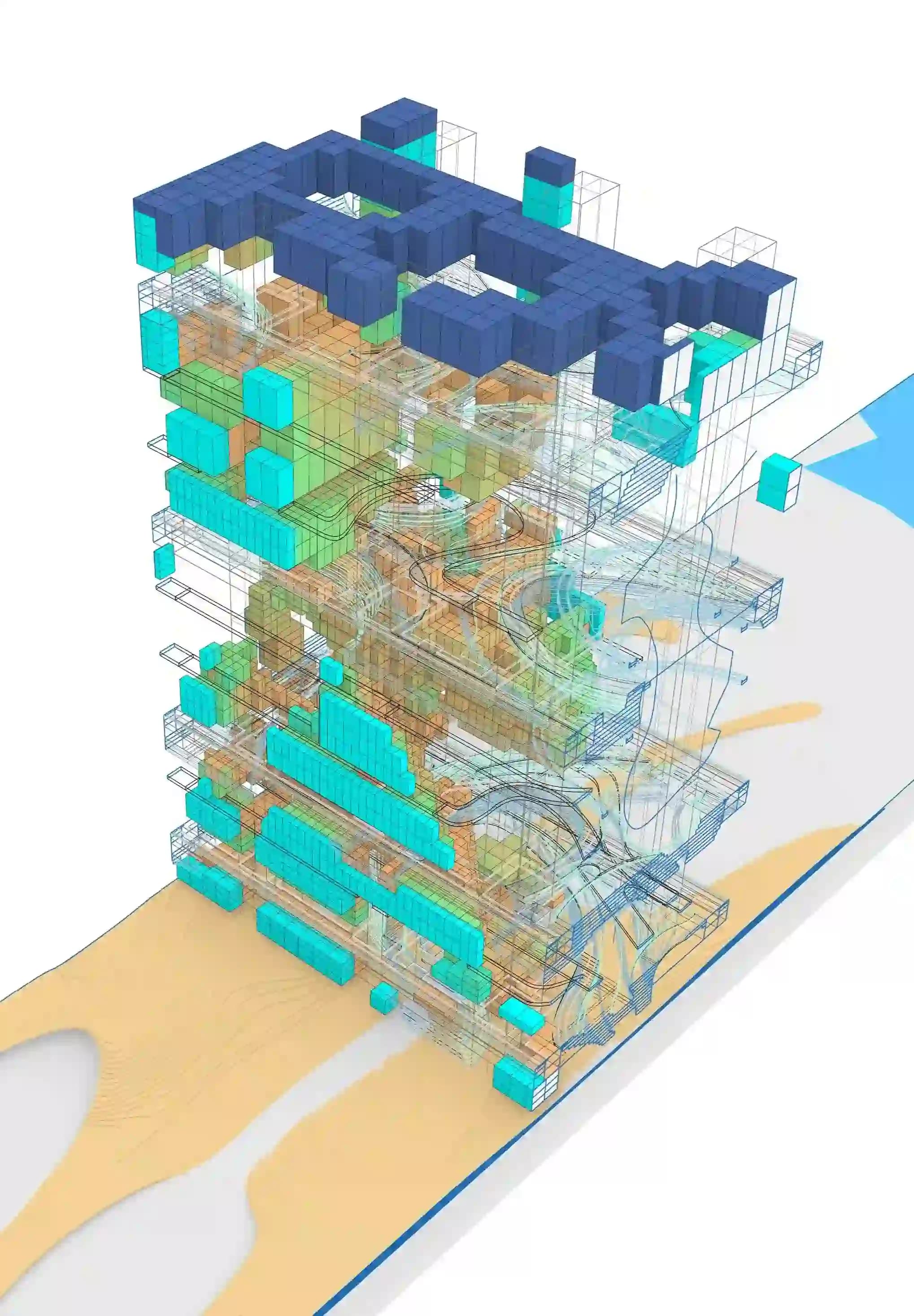
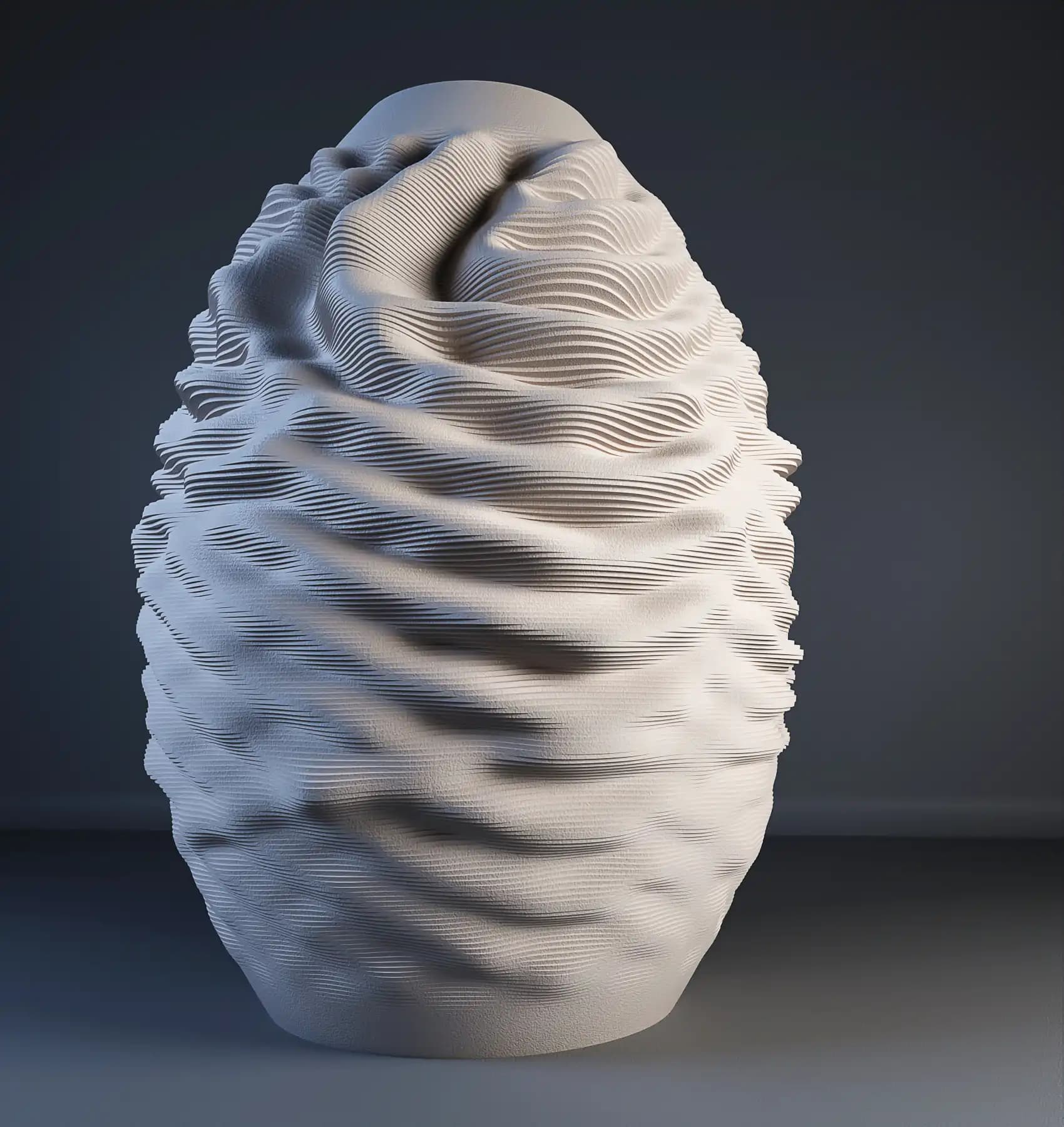
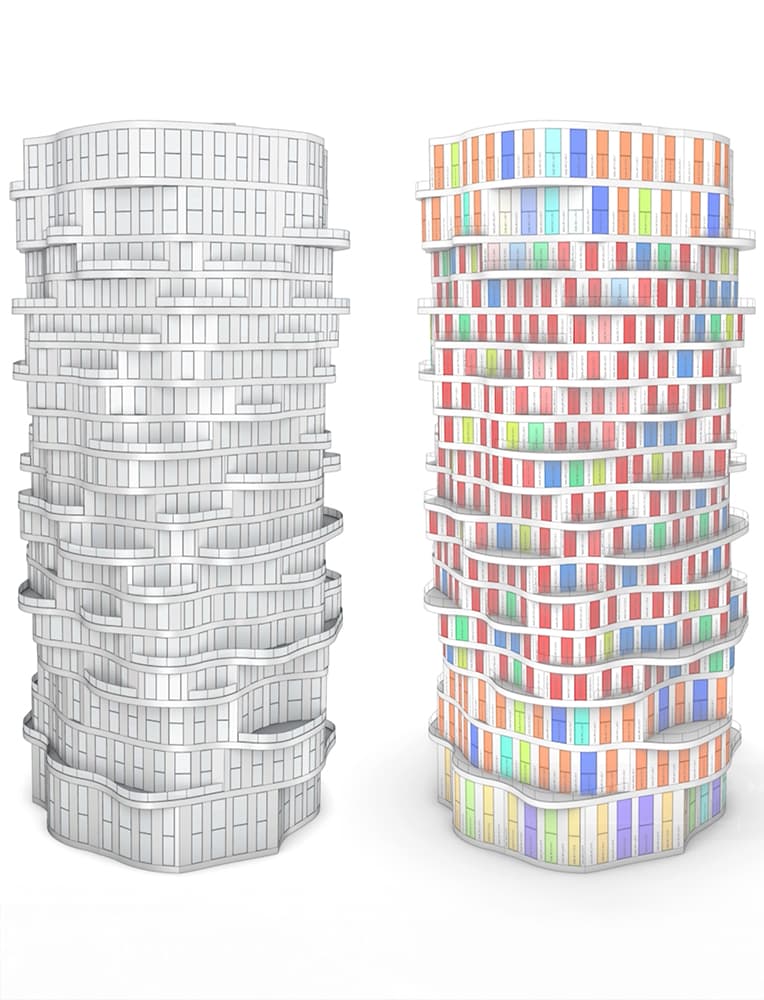
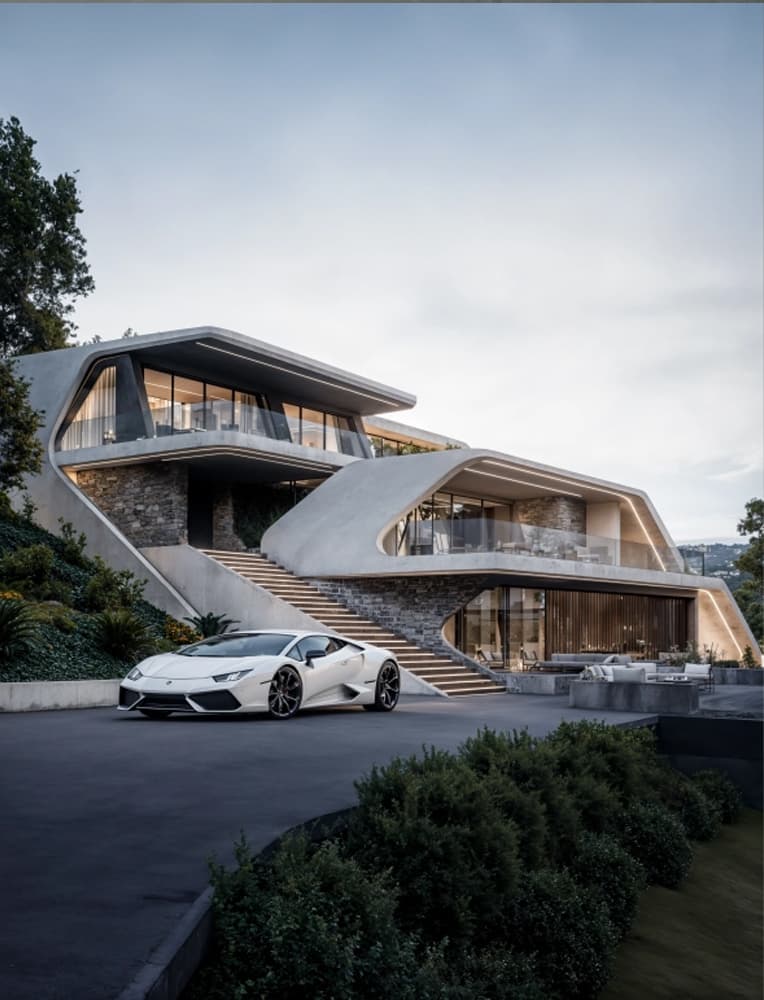
This workshop uses a pavilion as a case study to explore how to transition from complex geometry toward a rational, controllable design system. The focus is not just on structure, but on developing a computational mindset that informs every stage of the design process, from modeling to logic and interaction across platforms.
In this workshop, students will work in Maya to develop the initial form, then use Grasshopper to rationalize and panelize the geometry. Unreal Engine will be used to build real-time interactive systems utilizing Blueprints and UI elements. As part of the process, students will learn how to create automated workflows that transfer geometry and transformation data from Grasshopper to Unreal Engine.
Due to this mindset and workflow, many elements of the system will remain open to future modifications. Whether it’s switching to a different geometry or adjusting behavior, students will learn how to set up designs that stay flexible and adaptable over time.
Rather than focusing on a fixed final product, the workshop prioritizes building and controlling systems. The aim is to help students think through design processes with clarity and intention, using tools that can adapt to different challenges.
This workshop follows a structured, cross-platform workflow using Maya, Grasshopper, and Unreal Engine. Participants will begin by creating the base geometry in Maya, with a focus on modeling smartly, understanding what will happen in the next steps, and how those decisions will affect panelization, transformation, and interaction later in the process.
This geometry is then brought into Grasshopper, where it will be rationalized, panelized, and prepared for real-time control. Students will learn how to structure data and parameters that can be transferred forward.
Once the design is structured in Grasshopper, students will learn how to automate the transfer of geometry and transformation data into Unreal Engine.
Within Unreal, the focus shifts toward building interactive control systems using Blueprints and custom user interface (UI) elements. Students will learn how to link parameters to geometry, build responsive sliders and toggles, and control various design elements in real-time.
Each student will work individually, developing their own interactive model. The workshop encourages testing and iteration, helping students understand how to design not just a form, but a working system that can evolve.




.png&w=64&q=75)