Article
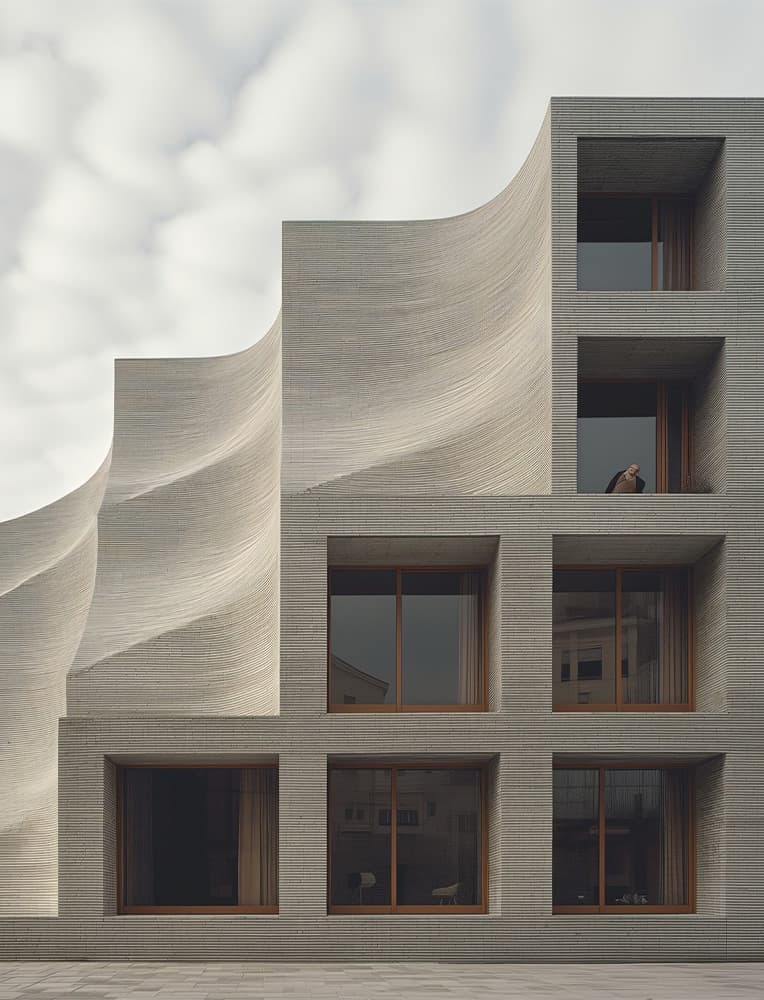
© Victor B. Ortiz Architecture via D5 Render
What Is D5 Render?
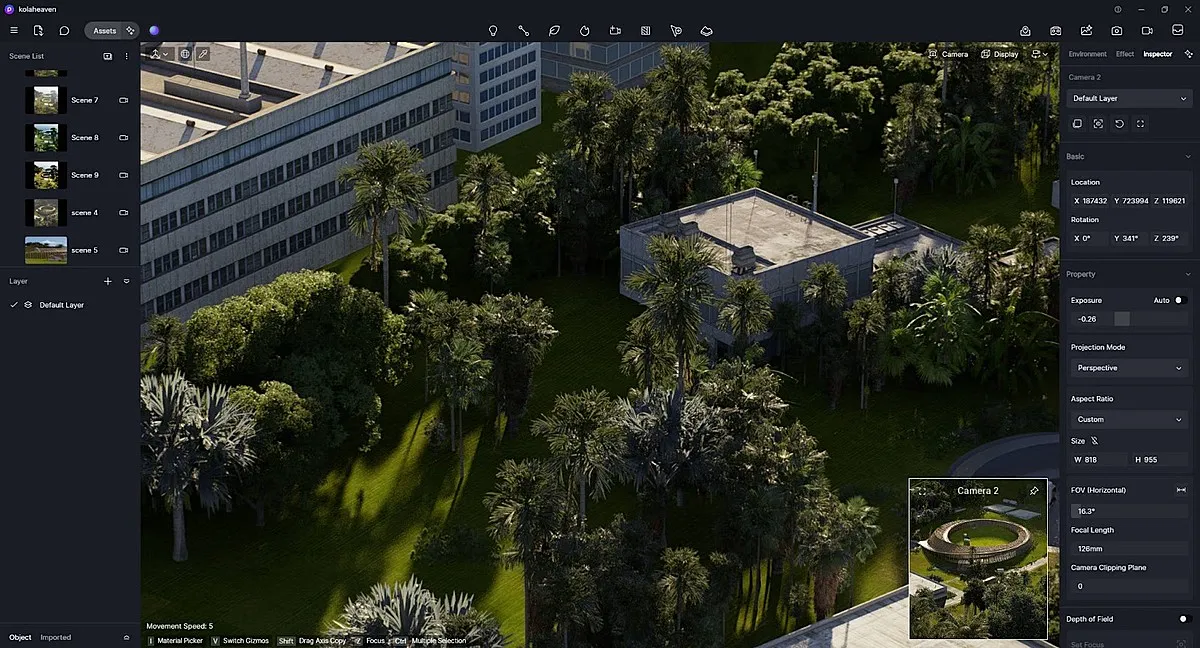
D5 Render is a real-time 3D rendering software designed to help architects, designers, and artists create photorealistic images and animations of their designs. It uses real-time ray tracing technology to provide instant feedback, enabling you to see changes as you make them. This means you can adjust lighting, materials, and camera angles on the fly, making the design process more efficient and intuitive. It is compatible with a wide range of architectural projects, interior designs, and landscapes.
Key Features of D5 Render
1. Faster and More Efficient Design
D5 Render’s real-time rendering means you don’t have to wait hours to see how your design looks. Changes to lighting, materials, or camera angles are shown instantly. This helps architects and designers make decisions quickly, try out new ideas, and improve their designs without wasting time.
2. Easy to Learn and Use
Even if you’re new to rendering software, D5 Render is user-friendly. The interface is clean, with clear menus and simple tools. Beginners can start creating impressive visuals quickly, while experienced users can take advantage of advanced features without feeling overwhelmed.
3. High-Quality Visuals
With D5 Render, your images and animations look realistic and professional. You can render pictures up to 16K resolution, which means even tiny details are clear and sharp. This is perfect for presentations, client meetings, marketing materials, or portfolio work.
4. Large Library of Assets
D5 Render comes with thousands of ready-to-use models, materials, textures, and objects like furniture, trees, cars, and people. This makes it easier to create detailed and lively scenes without building everything from scratch. It saves time and makes your designs look more realistic.
5. Smart AI Tools
The built-in AI features help improve your work automatically. The AI denoiser cleans up grainy or noisy images, making them look smooth. AI texture tools can automatically generate realistic surfaces for your models, which reduces manual work and makes rendering faster.
6. Works Well with Other Software
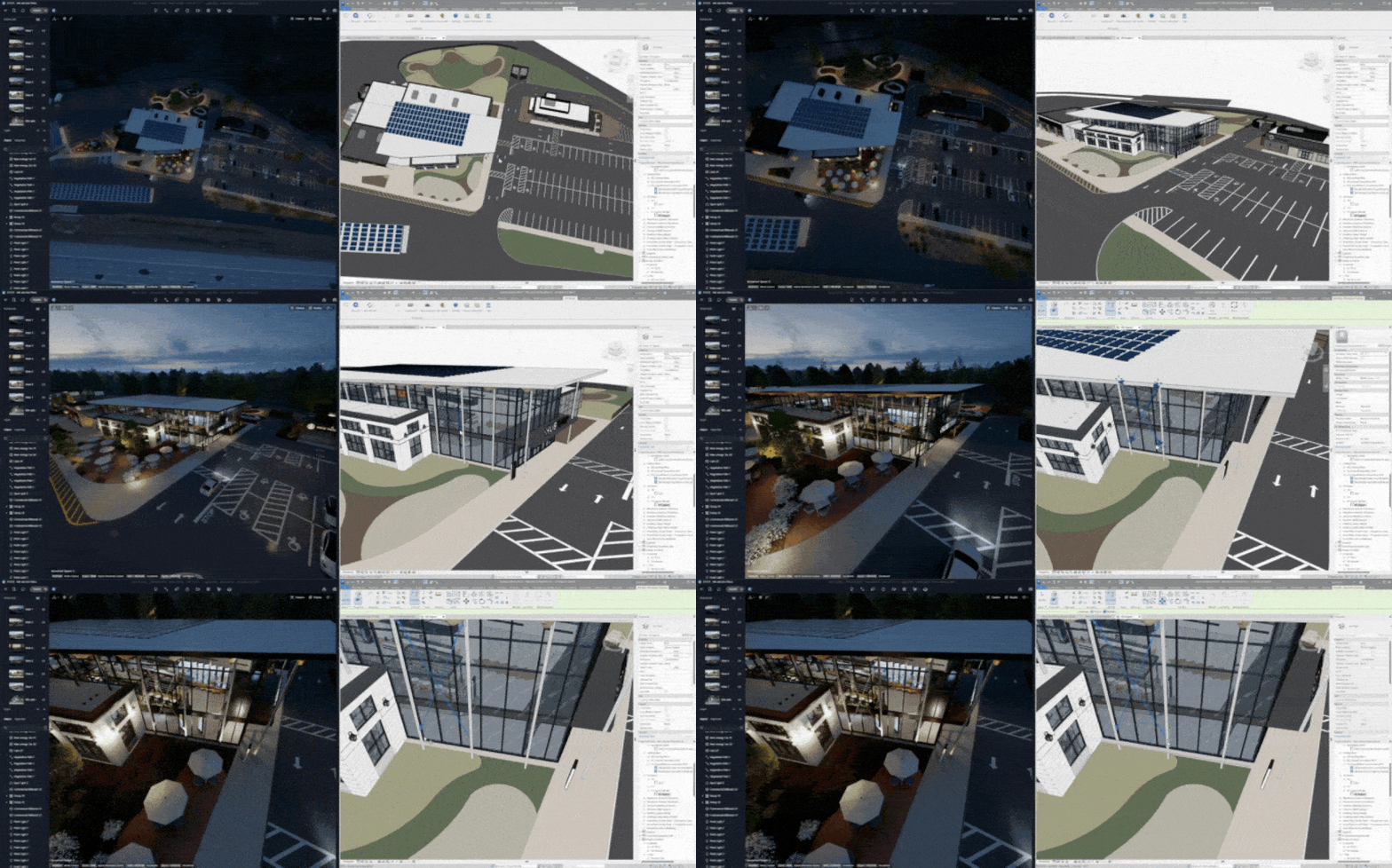
D5 Render integrates smoothly with popular design software like SketchUp, Revit, Rhino, and Archicad. This means you can import your models directly into D5 Render without the need for complex conversions, maintaining the integrity of your designs.
7. Affordable and Cost-Effective
Compared to many other high-end rendering software, D5 Render is reasonably priced. It gives you professional-quality results without a huge investment, making it suitable for freelancers, small studios, and even students.
8. Supports Teamwork and Collaboration
For projects with multiple designers, D5 Render allows sharing and collaboration. Team members can work on the same project, update assets, and see changes quickly, making group projects more organized and efficient.
5 Things You Can Do With D5 Render
1. Move the Camera and Explore Your Scene
In D5 Render, moving around your scene is simple and intuitive. Using keys like W, A, S, D, or dragging with the mouse, you can orbit, pan, and zoom to explore every corner of your design. This real-time navigation allows you to check details, view spaces from different angles, and understand how your design feels in 3D, just like walking through it in real life.
2. Add and Place Objects
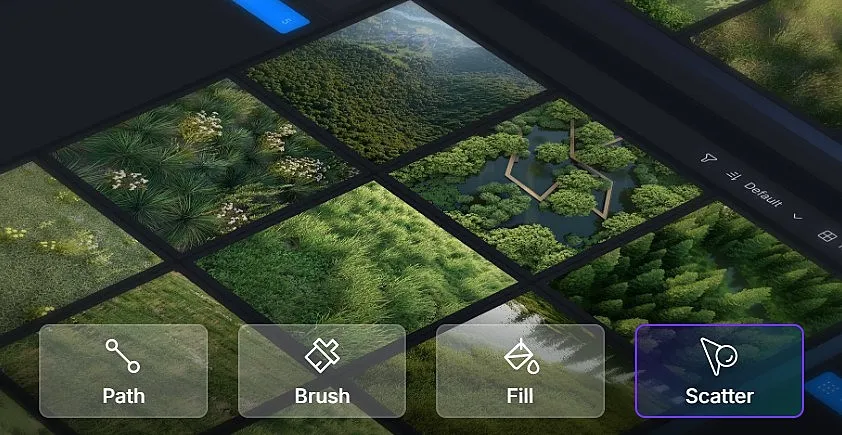
D5 Render makes it easy to populate your scene with furniture, plants, cars, or people using the Asset Library. You can drag and drop objects into your project and adjust their position, rotation, and scale. This helps create a lively and realistic environment, showing exactly how a space could look when completed.
3. Adjust Lighting for Realistic Effects
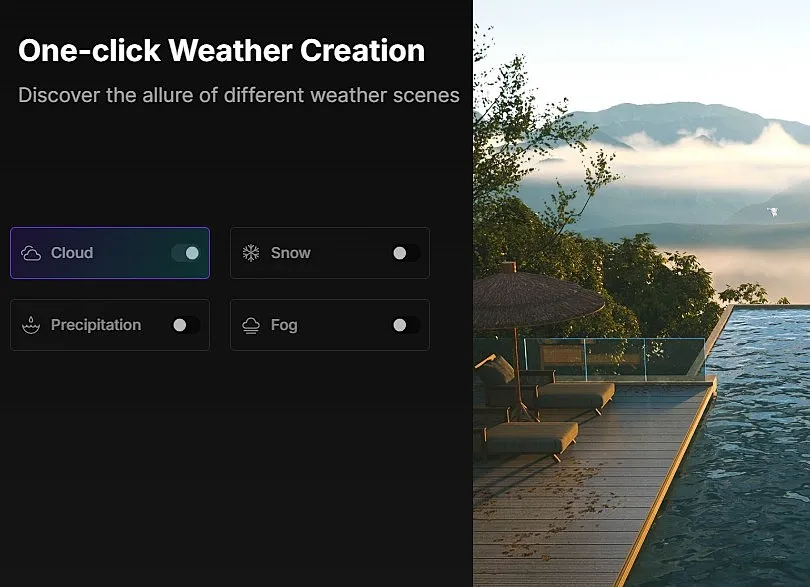
Lighting is key to making your designs feel real. With D5 Render, you can control sunlight, indoor lights, and environmental lighting through the Sun and Light Settings. You can change brightness, shadows, and angles to create different moods, whether it’s a bright sunny day, a cozy evening, or a dramatic sunset.
4. Edit Materials and Surfaces
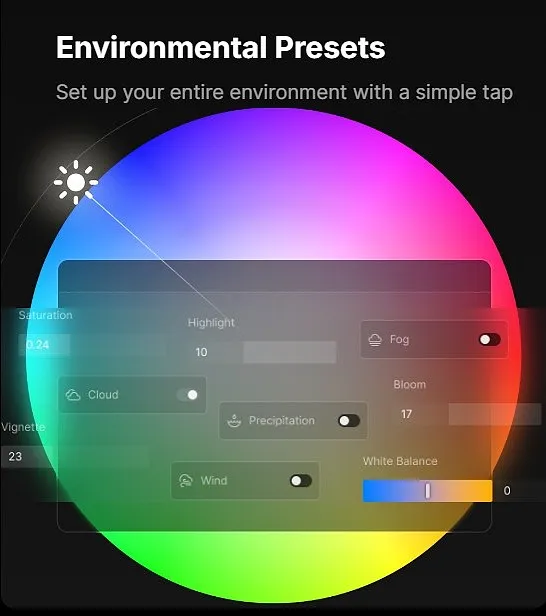
Materials give your designs texture and life. By using the Material Editor or pressing M, you can adjust surfaces like walls, floors, furniture, and more. You can change colors, textures, reflectivity, and transparency, allowing objects to look realistic and match the overall design style.
5. Render and Export Your Work
Once your scene is ready, D5 Render lets you create high-quality images, panoramas, or animations. Using the Render Output button or the F12 key, you can choose the resolution, quality, and file format for your final output. This feature ensures that your visualizations are ready to share with clients or include in presentations.
D5 Render 2.11: The Latest Version
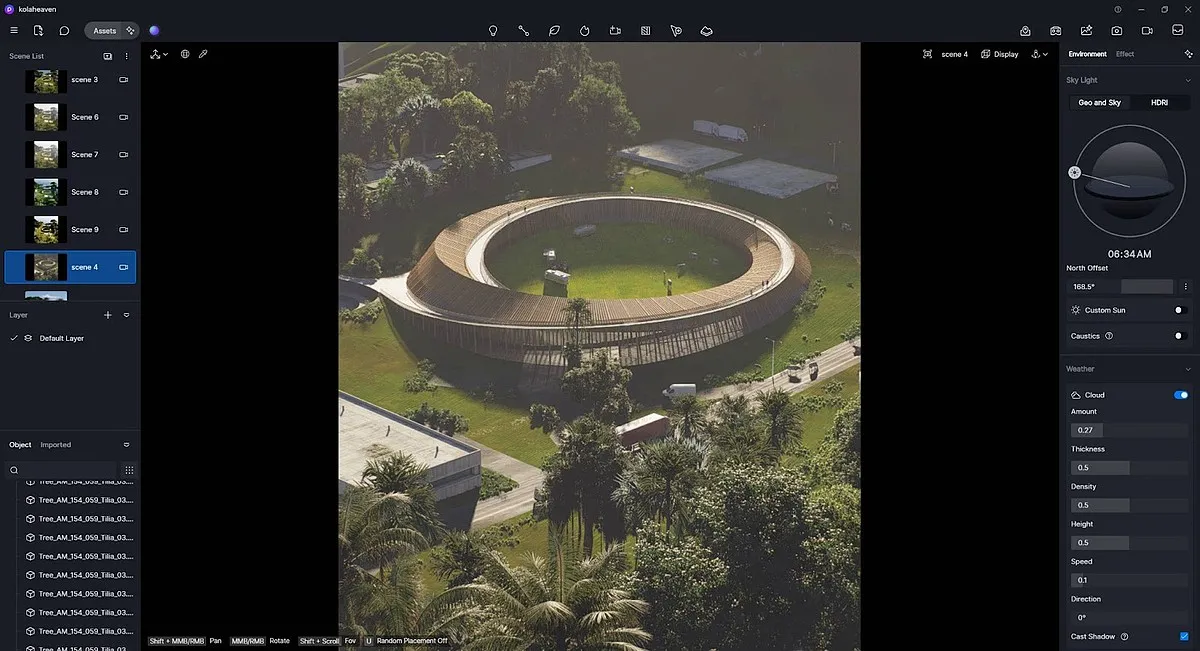
The D5 Render 2.11 update brings several exciting improvements. The AI Agent now helps with automatic landscape and garden design using SmartPlanting, creates realistic materials from reference images, and offers a built-in assistant called D5 Bot for guidance and tips.
Camera and animation tools are better, too. You can keep the camera focused on objects during animations and adjust motion paths easily with the Custom Path Tool. Lighting is more realistic with Real-Time Path Tracing (RTPT), accurate orthographic views with Parallel Projection, and new lighting options like Disc Lights and IES support. Workflow has been improved with advanced brushes for placing objects, more control over scattered items, better import options, and smoother connections with other software like SketchUp and 3ds Max.
Finally, you can export videos in 6K and 8K, create interactive XR Tours, and use Cesium integration to add real-world geospatial context to your designs.
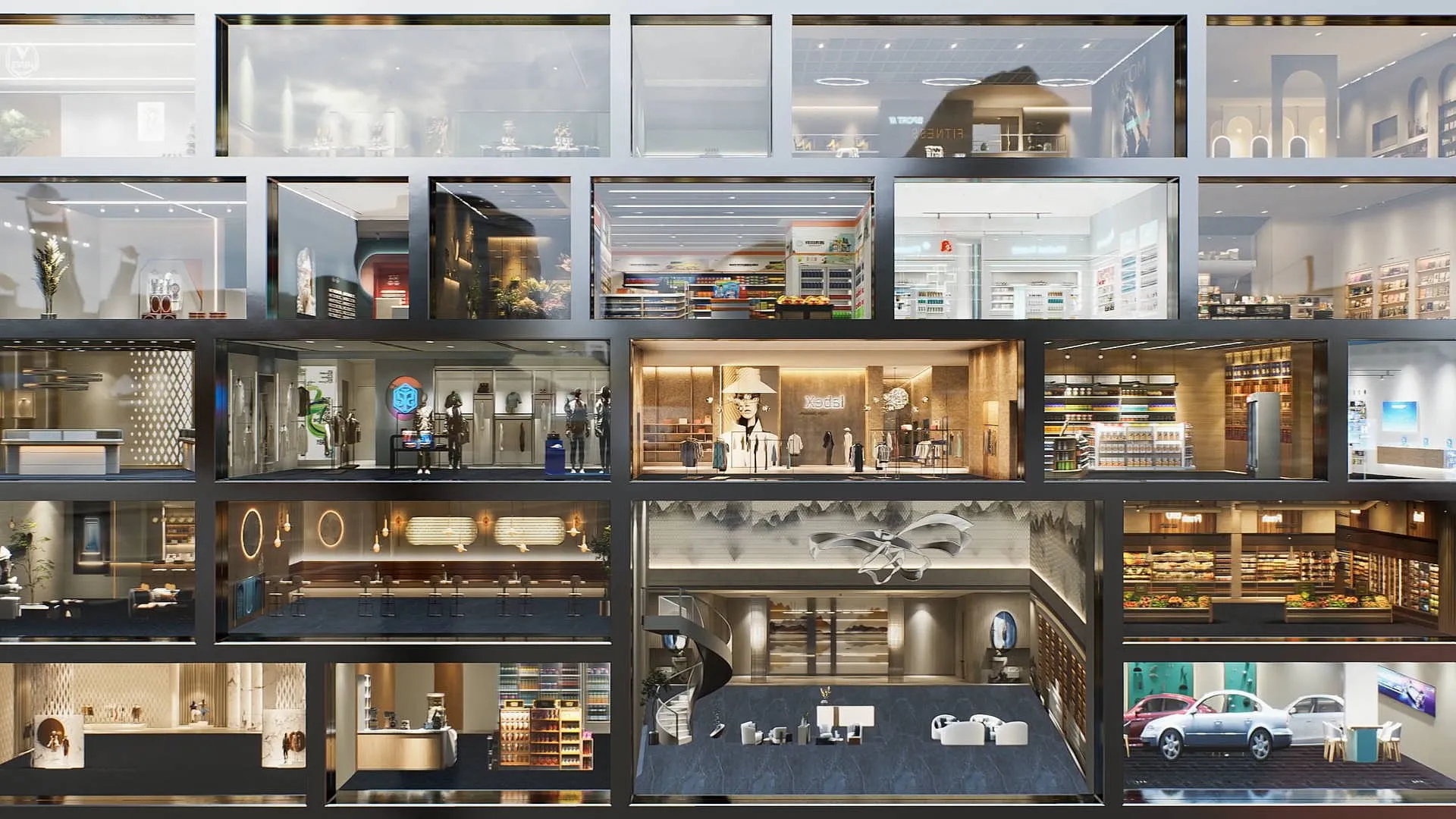
For those looking to deepen their understanding of D5 Render, PAACADEMY offers workshops such as 3D Stylized Renders & Diagrams with D5 Render, which guide participants through exercises in creating stylized 3D visuals.


.jpg&w=3840&q=75)