Crit Week Survival Pass: Save 20% on Pro Yearly plan with code CRITWEEK. Ends in → 01:01:47Ends in → 01:01:47

PAACADEMY
Sign In
PAACADEMY
BundlesMembershipBusiness
Become ProSign In
Loading

PA.ACADEMY

Online EdTech platform · Est. 2016

Shaping the next generation of designers, architects, and makers through computational tools and immersive education.

Reach out

[email protected]

Platform

CoursesMembershipsBundlesProjectsInstructorsSoftwaresBoardsBlogFree coursesEarnCertificatesReviews

Company

AboutBusinessBecome an InstructorContactFAQSupportChangelogWe're Hiring

© 2026 PAACADEMY. All rights reserved.

Privacy PolicyCookie Policy
Loading bundle
Courses3D ModelingSculpture Synergy in VR
Full Access Workshop Nov 9 & 10, 2024 8 Hours 170 views
Add to favorites (4)Buy as gift
Share link

Sculpture Synergy in VR

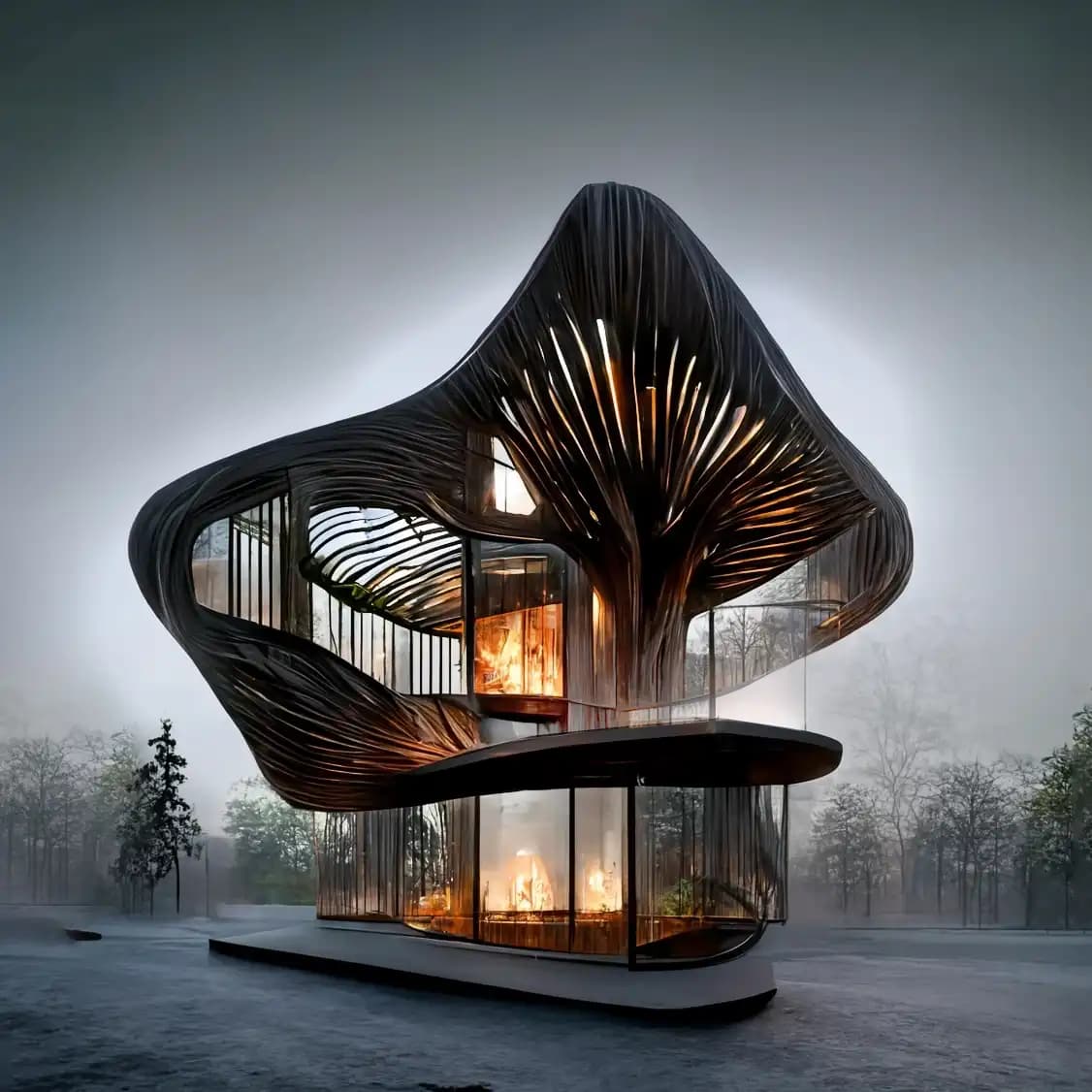
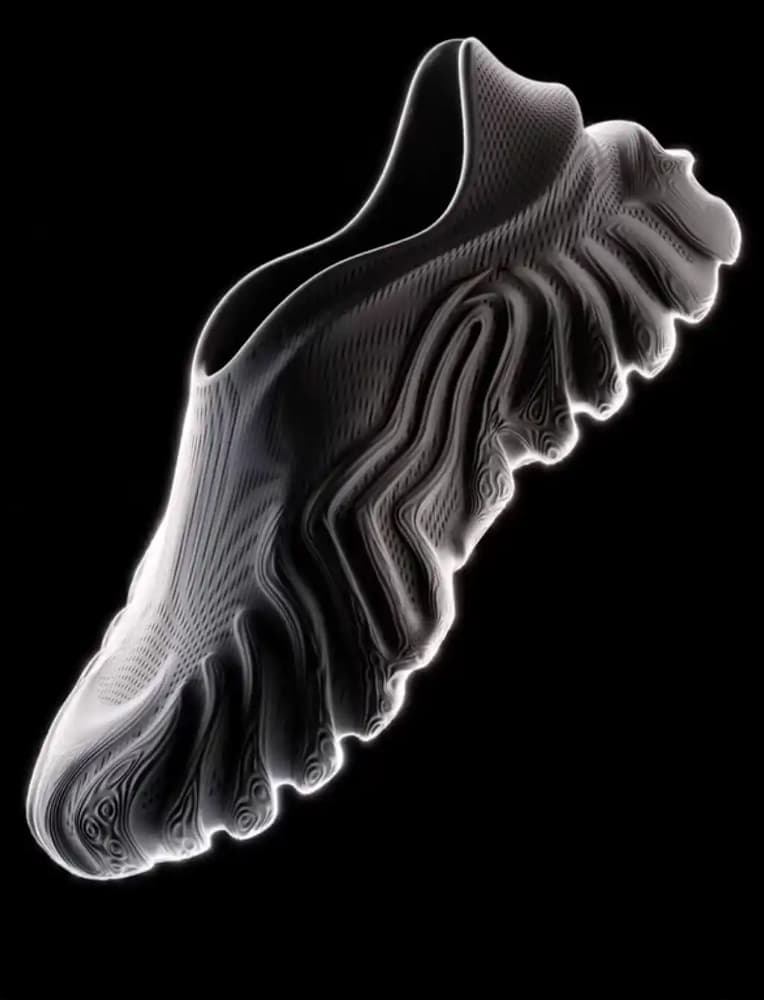
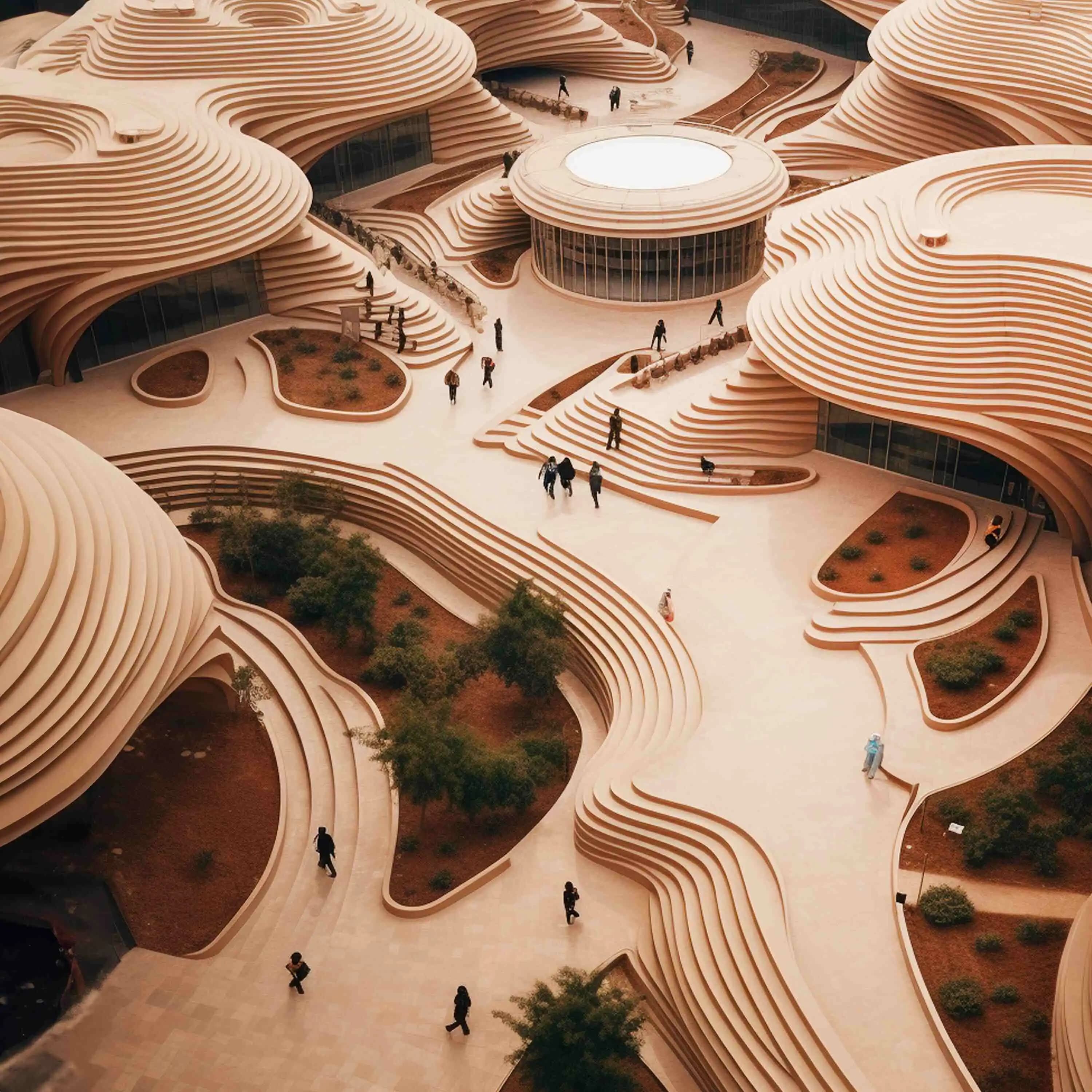
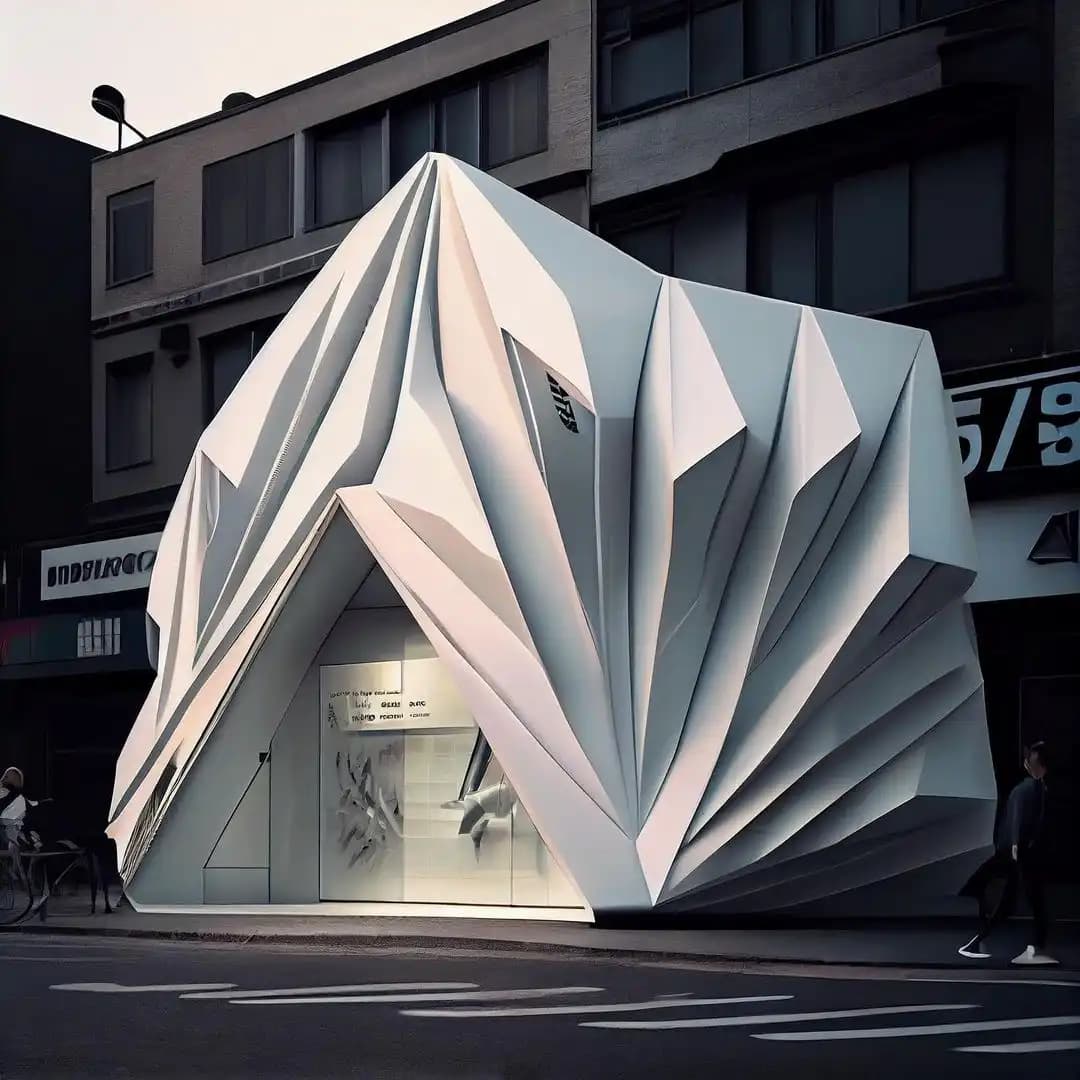
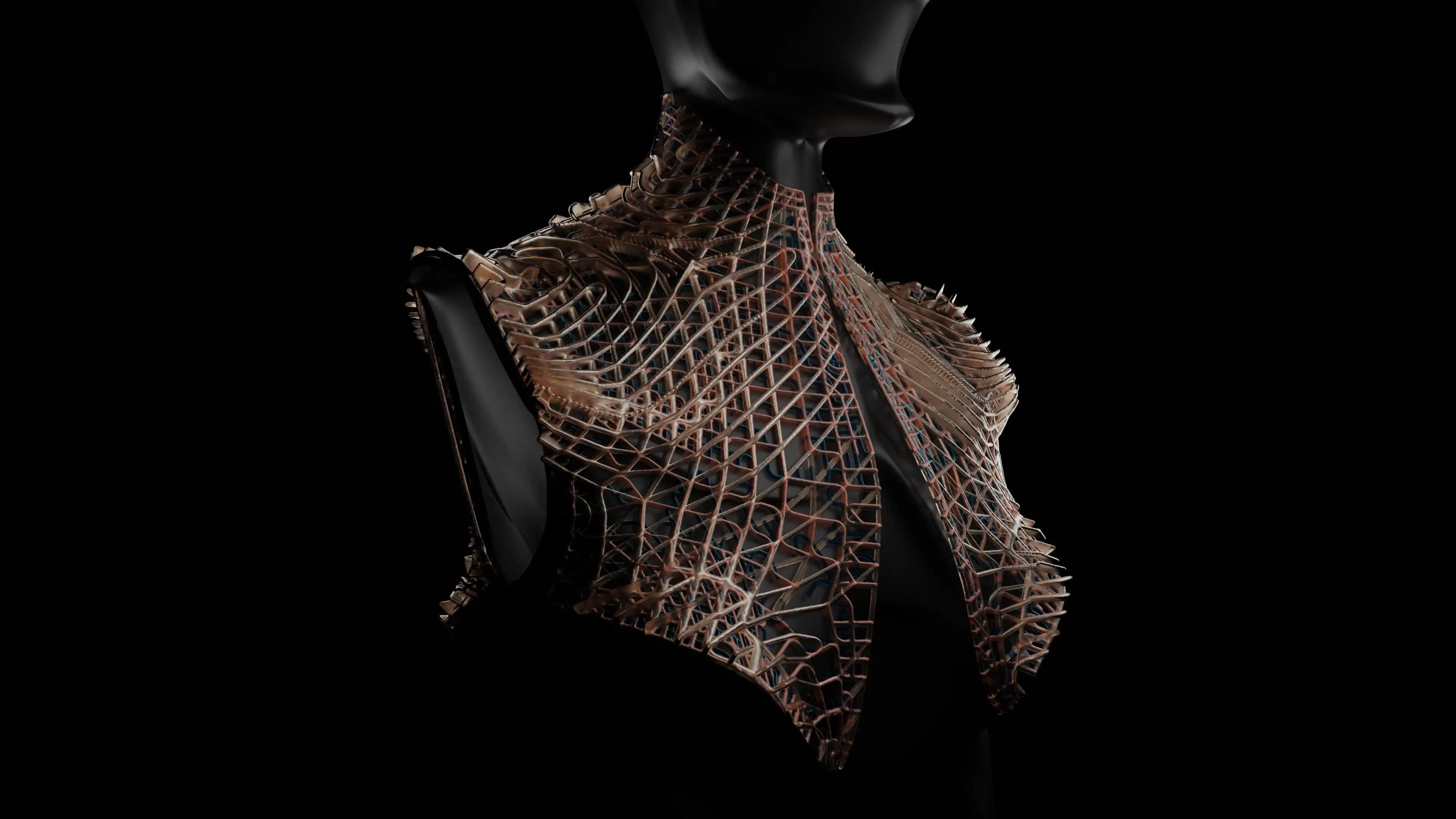
Sculpture Synergy with VR explores the integration of VR sculpting with AI-powered creativity, advanced texturing techniques, and professional-grade video production.

OverviewCourse contentImportant notesGalleryInstructorsReviews
Christian Venables
Verified Account

2 courses·5.0

Gravity Sketch
Midjourney
Unreal Engine
Krea.AI
Substance Painter
Substance Modeler

About this workshop

Sculpture Synergy with VR is a 2-day workshop that explores the integration of VR sculpting with AI-powered creativity, advanced texturing techniques, and professional-grade video production. In today’s rapidly evolving creative landscape, blending human artistry with artificial intelligence can unlock new realms of possibility. This workshop is designed for artists and designers looking to enhance their VR sculpting skills using tools like Gravity Sketch, Substance Modeler, and Substance Painter while integrating AI-driven inspiration through Krea.ai. Participants will learn how to bring their creations to life by producing high-quality video outputs using Unreal Engine 5.

What you will learn

  • 01

    VR Sculpting: Create detailed 3D sculptures using Gravity Sketch and Substance Modeler.

  • 02

    AI Tools: Utilize Krea.ai for creative inspiration and enhancements.

  • 03

    Texturing: Apply realistic materials with Substance Painter.

  • 04

    Video Production: Produce cinematic outputs using Unreal Engine 5.

  • 05

    Workflow Development: Develop a personalized workflow combining these techniques.

Methodology

The workshop is structured around individual learning, with instructional demonstrations and hands-on practice. Each participant will work independently on their projects, with guidance and feedback provided throughout. The focus will be developing a personal workflow combining VR sculpting, AI integration, texturing, and video production.

This workshop will guide you through creating detailed 3D sculptures in VR using Gravity Sketch and Substance Modeler, harnessing AI, and incorporating it into your creative process with Krea.ai. Followed by adding realistic materials and textures with Substance Painter. On the second day, we’ll dive into Unreal Engine 5 to produce cinematic video outputs of your sculptures, showcasing your work in a professional and visually compelling manner. 

Knowledge Requirements

What you should already know or have ready before you start, experience, tools, and any baseline skills the instructors expect. Scan the list below so nothing catches you off guard.

Hardware Requirements: Participants will need a VR headset (e.g. Quest 2/3 Quest Pro) and a computer capable of running Gravity Sketch, Substance Modeler, Substance Painter, and Unreal Engine 5. Ensure your hardware and software are set up before the workshop begins.


CPU: Intel i7-8700K / AMD Ryzen 7 or higher

GPU: NVIDIA RTX 2070 / AMD Radeon RX 5700 XT or higher

RAM: 16 GB or more

Storage:

General: 2-5 GB SSD for most software

Substance Painter: 50 GB SSD specifically required

Unreal Engine 5: 100 GB SSD for installation

Operating System: Windows 10/11


Additional Requirements:

VR headset (Quest 2/3/Pro or equivalent) for Gravity Sketch and Substance Modeler

Pen & tablet optional for Substance Painter

High-speed internet for Krea.ai

Course Content

11 Lessons

Important Notes

  • 01

    Participants MUST have all the software Installed before starting the workshop!

  • 02

    Pre-Workshop Preparation: It’s recommended that participants familiarise themselves with the interfaces of Gravity Sketch, Substance Modeler, Substance Painter, and Unreal Engine 5. Pre-workshop tutorials are available on the respective websites.

Course gallery

Highlight gallery

Extra Images

Software & tools

Gravity SketchMidjourneyUnreal EngineKrea.AISubstance PainterSubstance Modeler

Instructors

Christian Venables
Christian Venables
2 Courses5.0

Christian is a seasoned 3D artist and developer based in the UK, specializing in the intersection of immersive technology and artificial intelligence. With a robust architecture and 3D design background, he has transitioned seamlessly into the burgeoning field of extended reality (XR). His work has led to building AR projects for notable names such as Coachella, Universal, and Hyundai, demonstrating a keen ability to merge technical skills with creative vision. Christian is passionate about narrative-driven experiences and prides himself on providing technological solutions to client problems, showcasing his commitment to meet and exceed expectations.

A believer in the ethos of visibility for growth, Christian advocates for sharing work as a catalyst for opportunity. His journey is characterized by a commitment to pushing the boundaries of XR and AI tools, driving both personal advancement and the industry's evolution.

Add to favorites (4)Buy as gift
Share link

Reviews

Purchase or enroll in this course to leave a review.
5.0avg·1 Reviews
1 Comments
Lina El Khoury
Lina El Khoury

thanks for another great worksop

Dec 5, 2024
    5 / 5Course rating
    Nov 9 & 10, 2024Course dates
    50 SeatsAvailable seats
    11 LessonsTotal content
    CertificateUpon completion
    All levelsDifficulty
    8 HoursTotal duration
    14:00 - 18:00Session hours
    Saturday · SundaySchedule
    LifetimeAccess